Operation with a
PBX
When the Eurit 22 is connected to a PBX, a number of special features must be taken into
account.
For details please refer to the relevant section in your PBX operating manual.
When used with a PBX, keypad information allows PBX functions to be controlled and services to
be activated or deactivated in the exchange.
Please refer to your PBX operating manual for details.
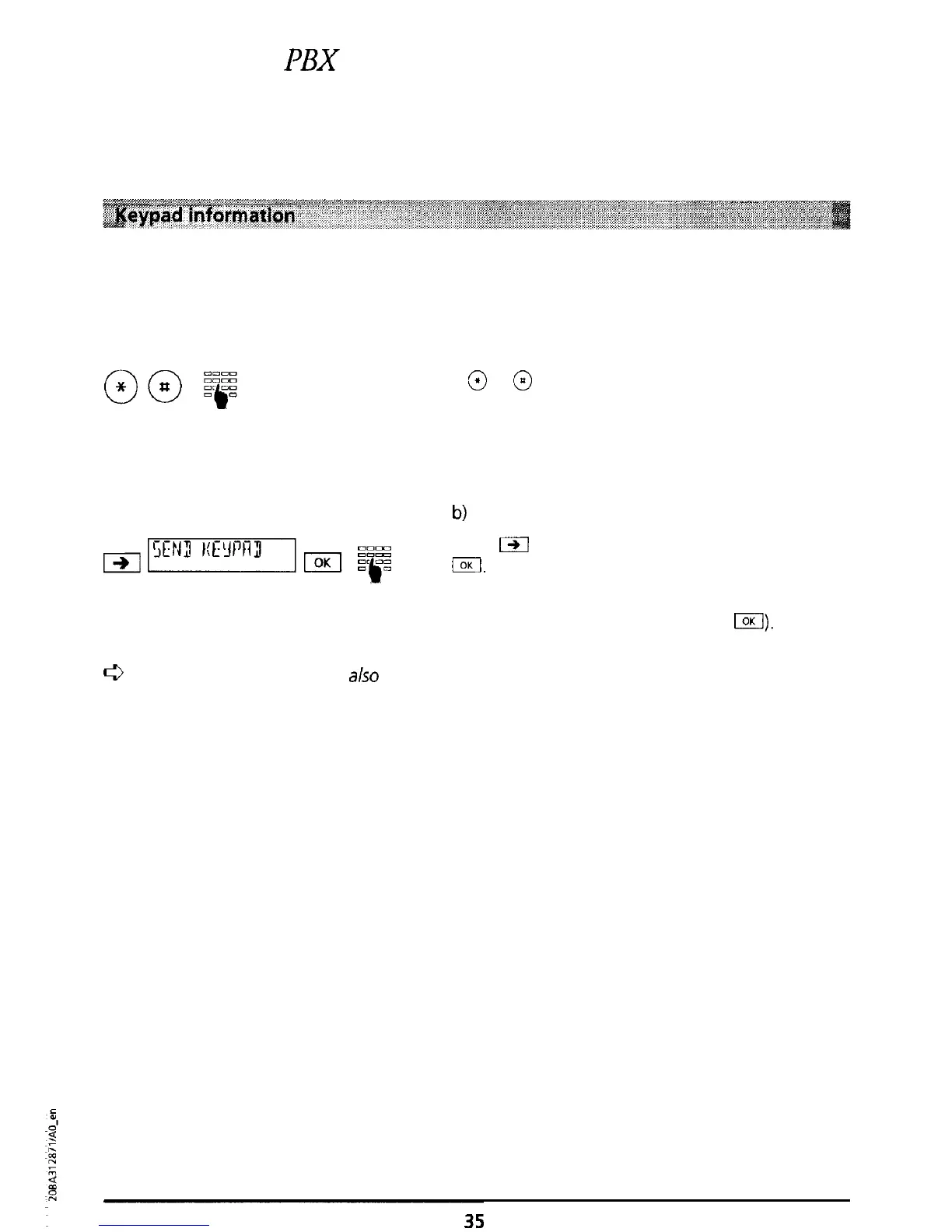
a) Keypad before dialling
If
@
or
@
is pressed first, an automatic change is
made to keypad signalling (you can deactivate
automatic switchover to keypad signalling, see
“Automatic keypad send”).
b)
Keypad during a call
Press
m
until “KEYPAD SEND” is displayed. Press
I.
Enter the information on the keypad, the
keypad information is sent.
(To exit the keypad send mode press
LZI).
c3
Keypad information can
also
be programmed using speed-dialling, see “Speed dialling”.



 To Next Page