Extendedfeatures
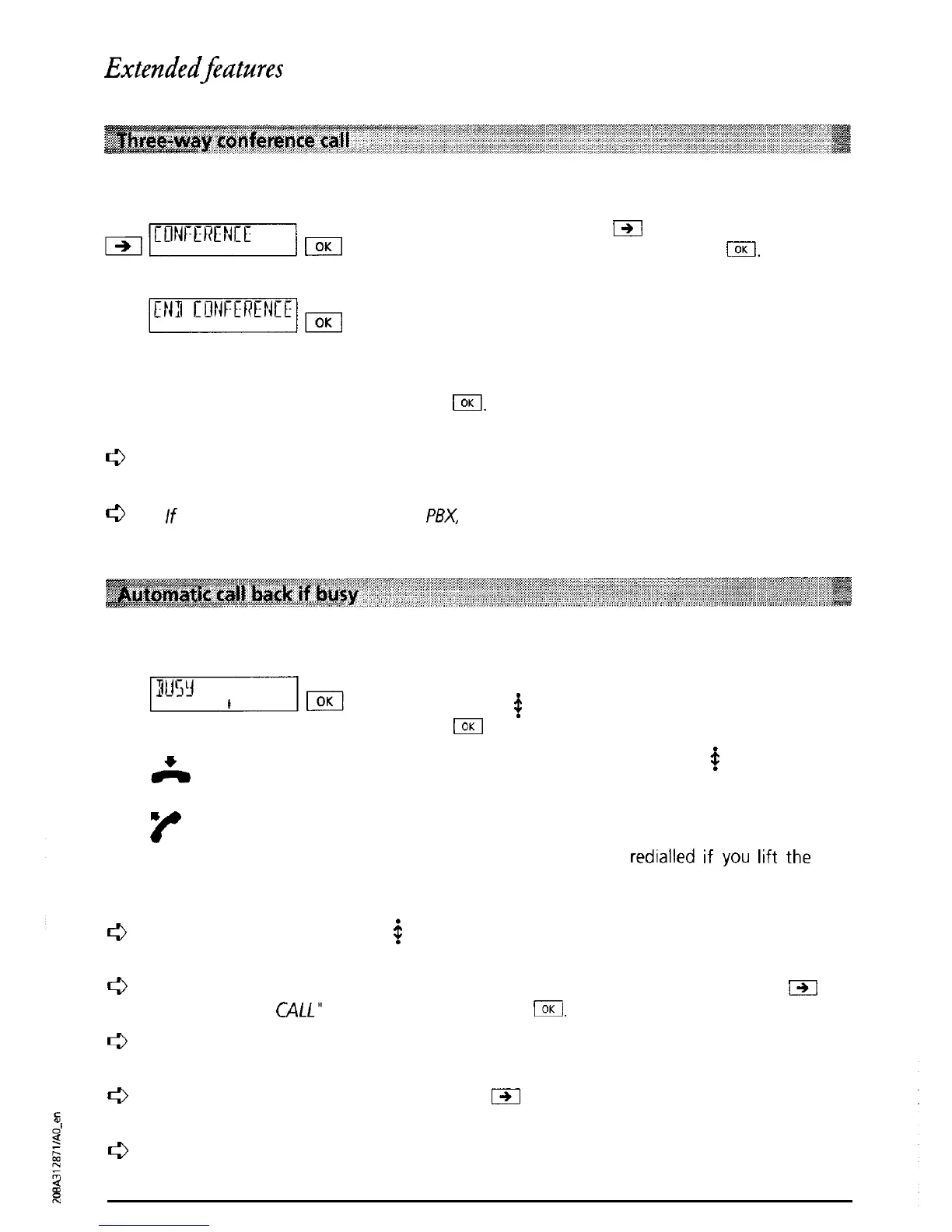
You have initiated an enquiry call but would like to talk to both parties simultaneously
During the call press
m
as often as necessary until
“CONFERENCE” is displayed. Press
(.
You are
conducting a conference call with two parties
The message “END CONFERENCE WITH OK” is
displayed.
If you once again want to talk to the two parties
individually (terminate the conference call), press
El.
c3
The function “Three-way conference call” can
also
be activated using
a
speed-dial key
(see “Speed dialling”).
c3
If
the
telephone
is connected to a
PBX
please refer to
the
relevant section in your PBX
operating manual.
If the person you have called is busy, you can activate an automatic call-back as follows:
The message “BUSY’ is displayed and the display
symbol
#
flashes (call-back may be selected). Press
IOK
to activate automatic call-back.
Replace the handset. The symbol
#
is displayed
(call-back activated).
*
E
As soon as the person you were calling hangs up, a
signal tone indicates that the line is free. The
number is automatically
redialled
if
you
lift
the
handset within 15 seconds of hearing the signal.
e
If the subscriber is busy
but
#
is not flashing, this
means
the “automatic call back if
busy” function is not offered by your provider and
cannot
be activated.
a
If
you
no longer wish to make the call, either leave the handset on-hook or press
j-)l
until “REJECT
C4LL”
is displayed and then press
1.
0
A call-back remains activated for
approximately
40 minutes after which time it is
automatically cancelled by the exchange.
f3
You can deactivate a call-back by pressing
m
in the basic mode until “DELETE CALL-
BACK” is displayed. Press OK.
c3
If the telephone is connected to
a
PBX,
please
refer
to
the relevant section in your PBX
operating manual.
28



 To Next Page