Directory
To permit simple and rapid selection of numbers, you can set up your own telephone directory
with up to 40 names/numbers. The directory is available to all users.
The
kep
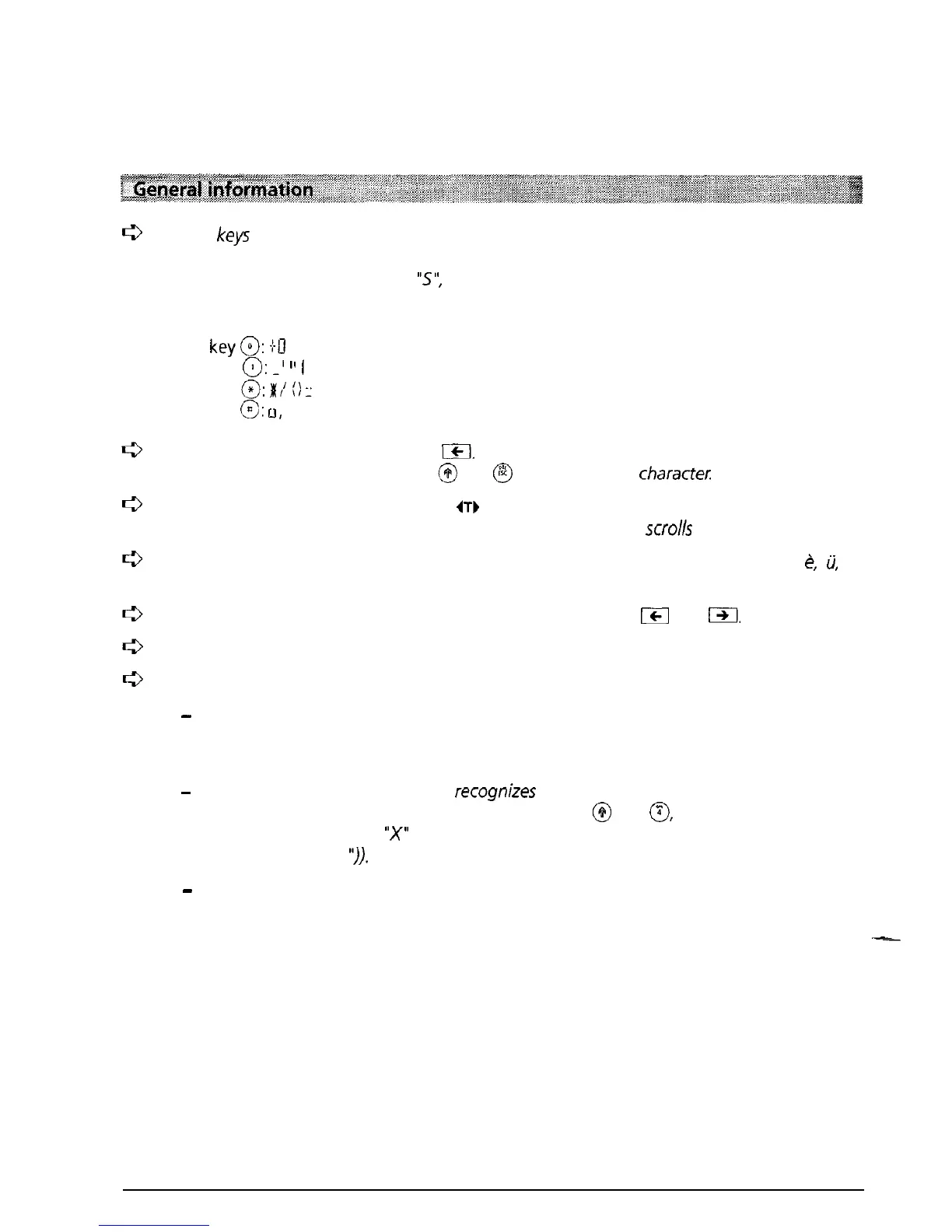
on your dialling keypad are inscribed with a number and, above the number; a
series of letters. To select a letter you must press the key the appropriate number of
times. For example to select an
“S”,
you must press the key labelled 7 four
times.
Special characters:
On
key@:
+U
On key
0:
_I
I’
I
On key
0:
8’10
:
On key
@:
CI,
space.
To correct an incorrect entry press lI%l. The cursor jumps
back
one place to the left.
Delete
the character by pressing
$jl
and
@
or overwrite the
character:
If long numbers/names are entered,
0)
is
displayed to indicate
a
display overflow. After
the completion, the whole entry is displayed (the information
scrolls
across the display).
When entering names, on/y capital letters
may
be
used
(special
characters
such
as
&,
ii,
etc. are
not
available).
You can scroll through your directory by repeatedly pressing
ICI
and
j91,
Numbers in your directory must always be entered together with the dialling prefix.
For operation in conjunction with
a
PBX note the following:
-
Always
include the prefix when entering numbers in the directory The prefix allows
the Eurit 22 to identify the number
as external (exchange access
code is
automatically
inserted).
-
To ensure that your Eurit 22 also recognizes numbers with no prefix (e.g. emergency
numbers, provider prefix)
as
external numbers, press
@
and
8,
before
entering the
relevant number and an “X” will be inserted (for “Insert exchange access code”. See
also “Speed dialling
I’)).
-
Do not enter the exchange access code since this is automatically inserted (see
“Operation with a PBX” under “Incoming exchange access code”).
-
.
--
24



 To Next Page