Ex
tendedfed
twes
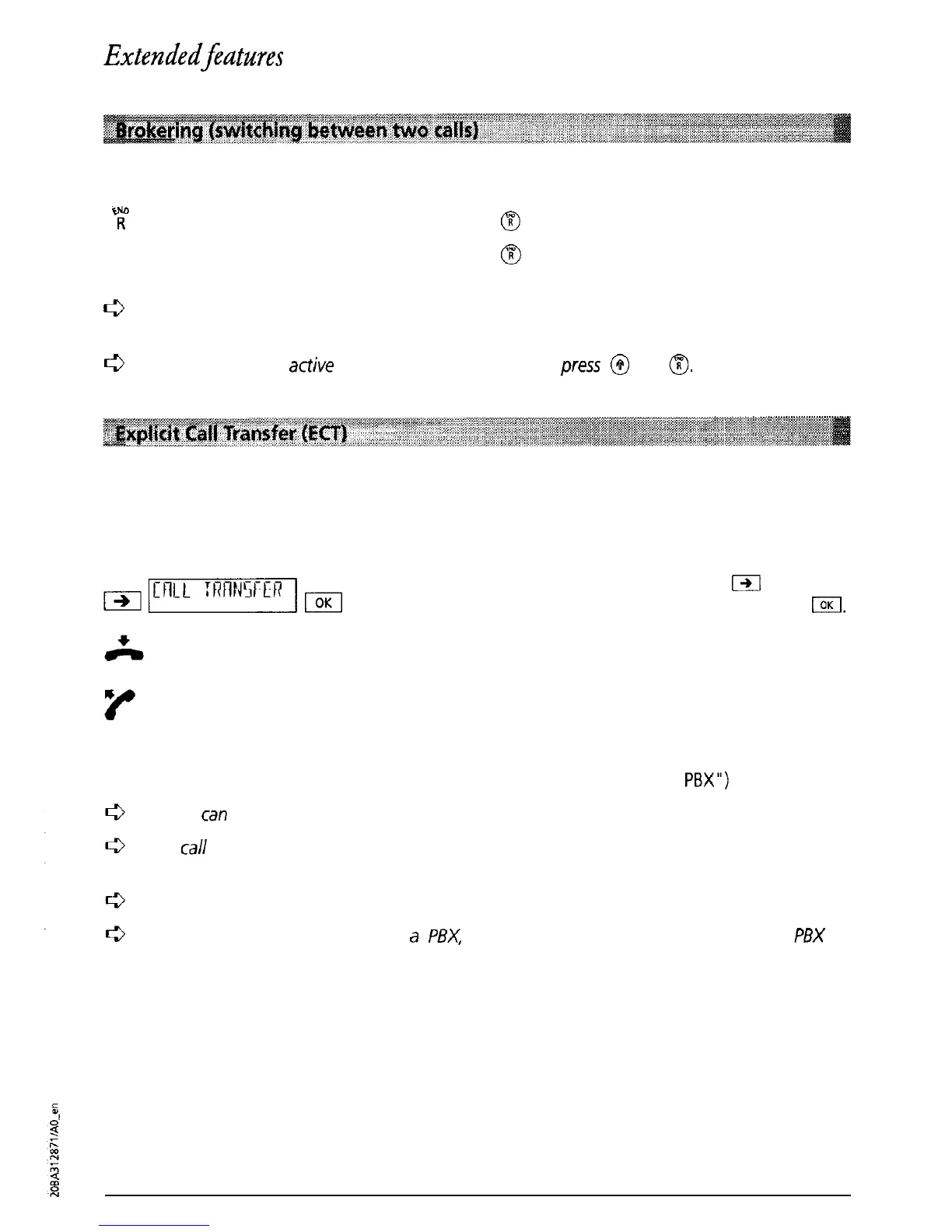
You have initiated an enquiry call and wish to alternate between the two calls.
0
Y?
Press
@
to return to your first call.
Press
m
again to return to the enquiry call.
L3
During brokering (switching between two
calls)
the number of the active partner is
briefly displayed.
c3
To terminate an
active
connection during brokering,
press
@
and
a.
Please contact your telecoms operator for information about the introduction date for this
service.
You have initiated an enquiry call and wish to connect the two parties (call transfer). You have
two possibilities:
a) Two connections are active. Press
m
until
“CALL TRANSFER’ is displayed and then press
I.
The two parties are connected. Replace the
handset.
b) Two connections are active. Transfer the call
simply by replacing the handset.
Prerequisite for this procedure:
“Transfer by going on-hook” must be set to “ON”
(see under “Operation with a
PBX”)
You
can
also transfer a call using speed dialling (see “Speed dialling”)
A
call
which was waiting during the call transfer procedure is signalled again when the
handset is replaced (the call is not lost).
Even after transfer, the call is
still
charged to the originating party
If the telephone is connected to
a
PBX,
please refer to the relevant section in your
PBX
operating manual.
27



 To Next Page