SECTION 2
INSTALLING THE PRINTER
11
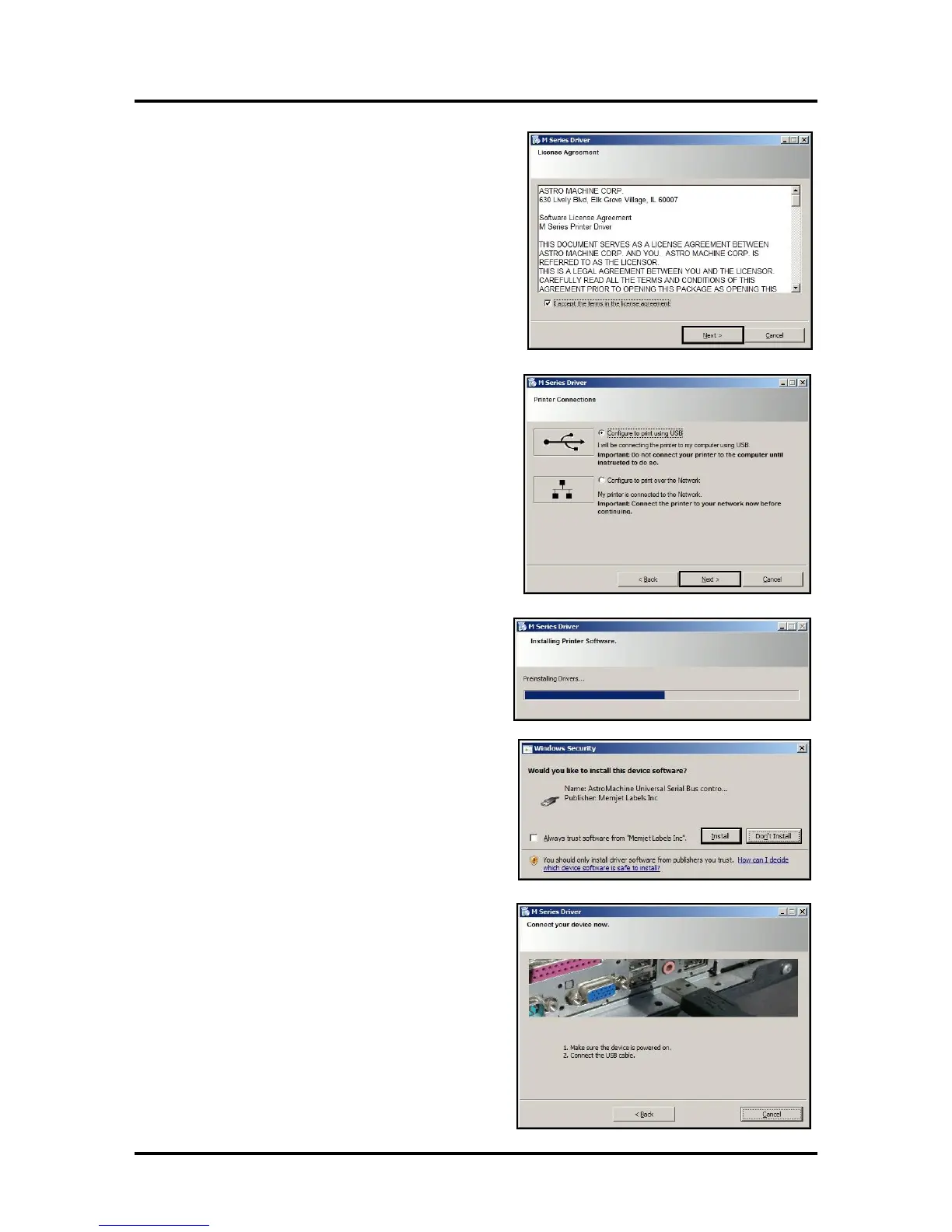
3. License Agreement. Check “I accept…” then
click “Next>”.
4. Printer Connections. Click “Configure to print
using USB”. Then click “Next>”.
5. Installing Printer Software. Software
download begins.
6. Would You Like to Install This Device
Software? Click “Install”.
7. Connect Device Now. Turn Printer ON and
connect the USB cable. Don’t click on either
button. The software will finish installing.



 To Next Page