ROG Striker II Extreme / Striker II NSE 4-33
Alarm Time (hh:mm) [ X: X: X]
To set the time of alarm:
1. Highlight this item and press <Enter> to display a pop-up menu for the hour
2. Key-in a value (Min=0, Max=23), then press <Enter>.
4. Key-in a minute value (Min=0, Max=59), then press <Enter>.
HPET Support [Enabled]
Power Up By PS/2 Keyboard [Disabled]
keys on the PS/2 keyboard to turn on the system. This feature requires an ATX
[Disabled] [Space Bar] [Ctrl-ESC] [Power Key]
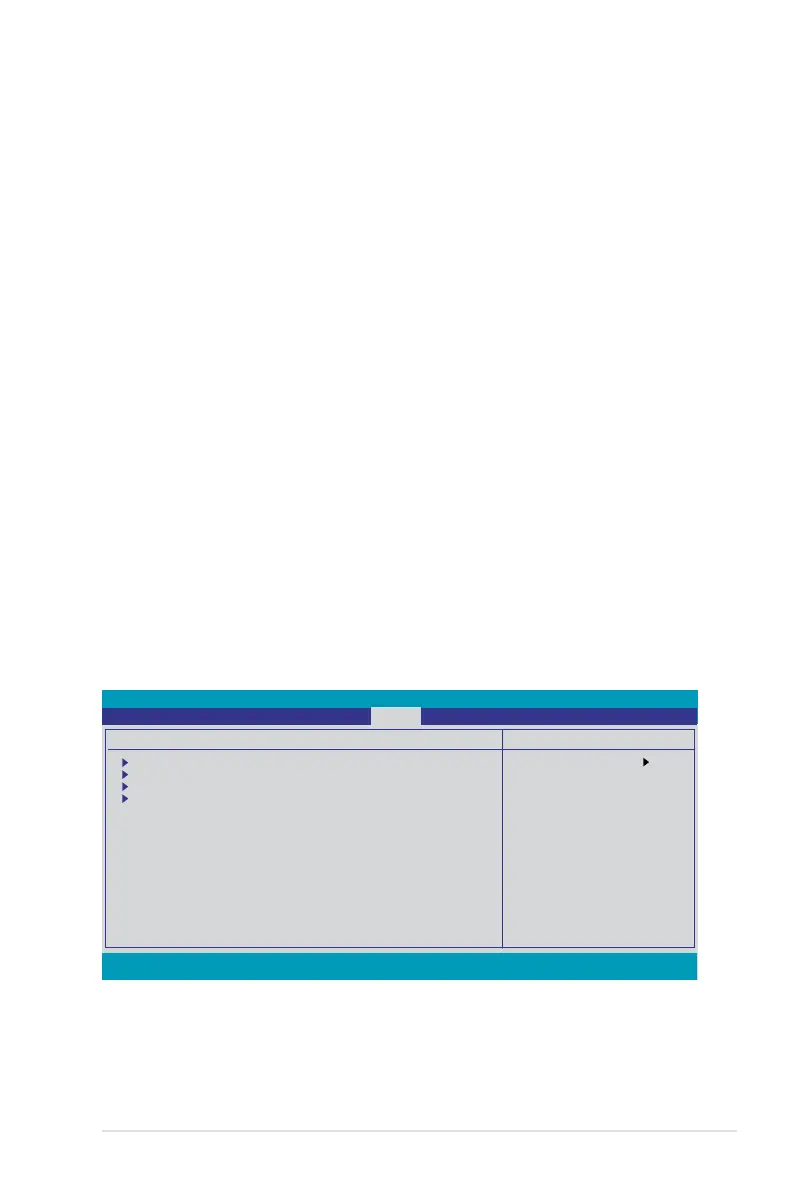
4.6.4 Hardware Monitor
The items in this sub-menu displays the hardware monitor values automatically
detected by the BIOS. It also allows you to change CPU Q-Fan feature-related
Select Menu
Item Specic Help
Press [Enter] to go
to the sub-menu.
Phoenix-AwardBIOS CMOS Setup Utility
Power
F1:Help ↑↓ : Select Item -/+: Change Value F5: Setup Defaults
ESC: Exit →←: Select Menu Enter: Select SubMenu F10: Save and Exit
Hardware Monitor
Voltage Monitor
Temperature Monitor
Fan Speed Monitor
Fan Speed Control
CPU Fan Speed Warning [600 RPM]



 To Next Page