2-44 Chapter 2: Hardware information
2.8.4 Installing Fusion Block System accessory
Install your watercooling system to the motherboard using the bundled accessories
to obtain the best thermal solution.
Package contents
1
2
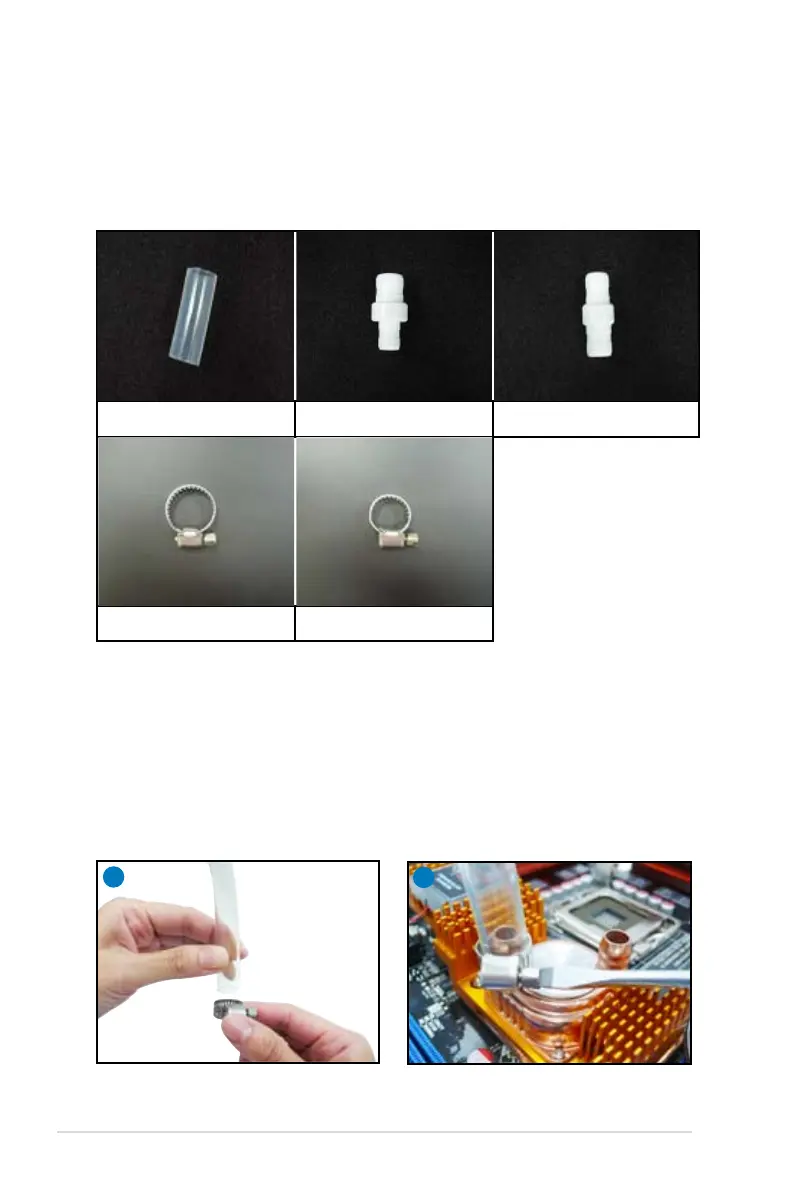
For watercooling system with 3/8” ID tubes
2. Connect the tube to the waterblock and tighten the screw of the clamp using
a screwdriver.
3. Repeat Step 1 and 2 for another tube. Make sure that both tubes are well
3/8” ID tubes x 2
3/4” ID tube clamps x 2 1/2” ID tube clamps x 6



 To Next Page