ROG Striker II Extreme / Striker II NSE 6-5
6.2.2 Installing two SLI-ready graphics cards
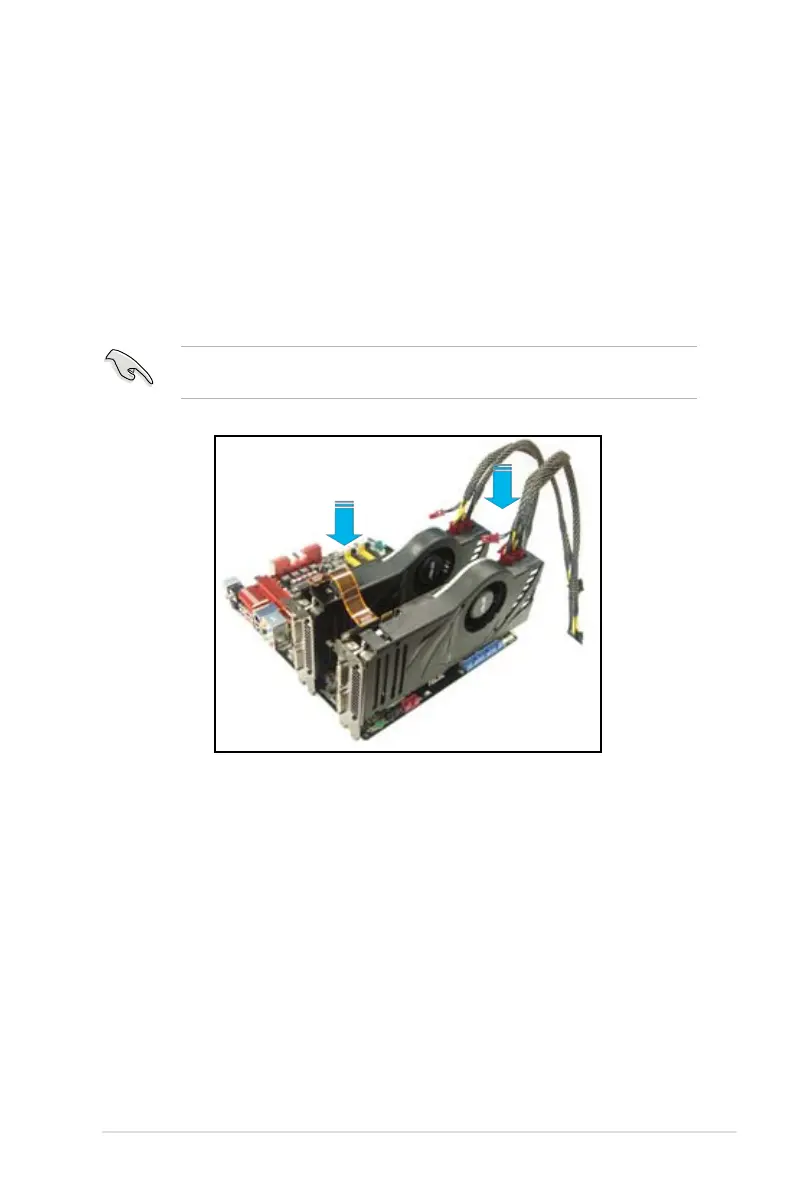
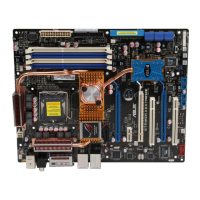
1. Insert one graphics card into the PCIEX16_1 slot (blue) and the other into the
PCIEX16_2 slot (blue). Make sure that the cards are properly seated on the
slots.
3. Connect auxiliary power source from the power supply to he two graphics
cards separately.
4. Connect a VGA or a DVI-I cable to the graphics card/s.
We recommend that you install an additional chassis fan for better thermal
environment.


 To Next Page