ROG Striker II Extreme / Striker II NSE 5-31
5.3.7 ASUS AI Nap
whenever you are away. Enable this feature for minimum power consumption and
a quieter system operation.
After installing AI Suite from the bundled Support DVD, you can launch the utility
by double-clicking the AI Suite icon on the Windows OS taskbar and click the AI
Nap button on the AI Suite main window.
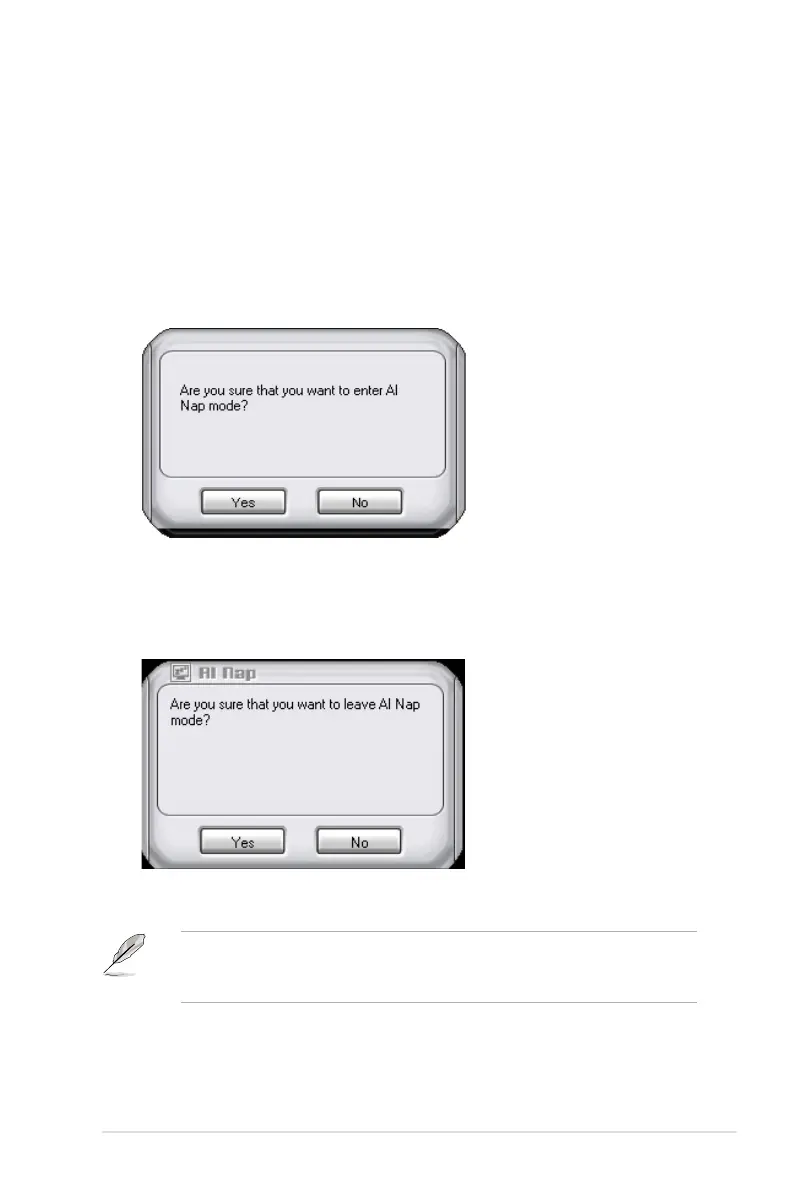
Click Yes
To exit AI Nap mode, press the system power or mouse button then click Yes on
To switch the power button functions from AI Nap to shutting down, just right
click the AI Suite icon on the OS taskbar, select AI Nap and click Use power
button. Unclick the the item to switch the function back.



 To Next Page