ROG Striker II Extreme / Striker II NSE 4-13
Select Menu
Item Specic Help
Warning: this
function belongs
to overclocking,
and it may cause
instability. Select
a CPU level, and the
rest will be auto-
adjusted. If you want
to adjust more, set
Ai Overclock Tuner
to Manual after you
select a CPU level.
F1:Help ↑↓ : Select Item -/+: Change Value F5: Setup Defaults
ESC: Exit →←: Select Menu Enter: Select SubMenu F10: Save and Exit
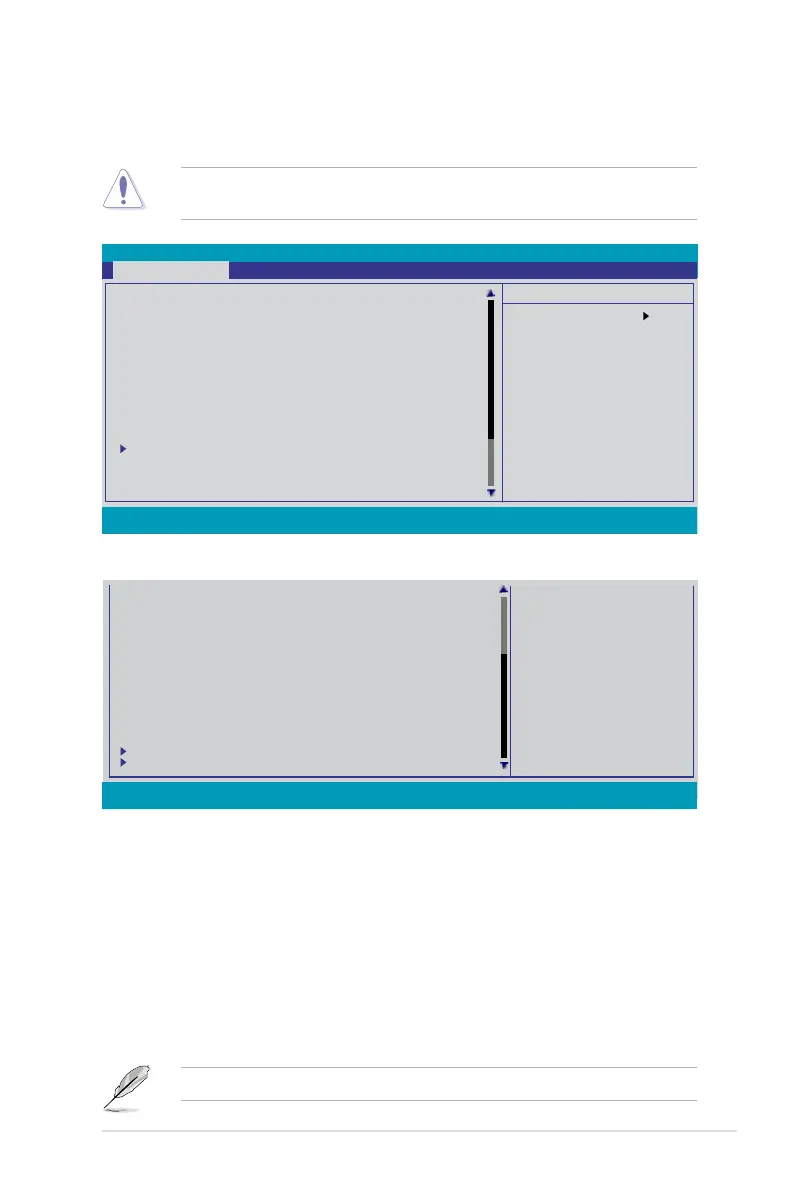
4.3 Extreme Tweaker menu
items.
Take caution when changing the settings of the Extreme Tweaker menu items.
CPU Level Up [Auto]
AI Overclock Tuner [Auto]
x Overclock Options Disabled
x CPU Multiplier 8 X
x FSB - Memory Clock Mode Auto
x FSB - Memory Ratio Auto
x FSB (QDR), MHz 1333
Actual FSB (QDR), MHz 1333.3
x MEM (DDR), MHz Auto
Actual MEM (DDR), MHz 800.0
LDT Frequency [5x]
PCIE Bus, Slot 1&2, MHz [100]
PCIE Bus, Slot 3, MHz [100]
Memory Timing Setting
CPU Voltage [Auto]
Loadline Calibration [Disabled]Loadline Calibration [Disabled]
CPU PLL Voltage [Auto]
Scroll down to see more items.
4.4.1 Congure System Performance Settings
CPU Level Up [Auto]
Allows you to select a CPU level, and the related parameters will be automatically
settings in detail, set Ai Overclock Tuner to [Manual] after selecting a CPU level.
Phoenix-AwardBIOS CMOS Setup Utility
Extreme Tweaker Main Advanced Power Boot Tools Exit
CPU VTT Voltage [Auto]
Memory Voltage [Auto]
NB Core Voltage [Auto]
SB Core Voltage [Auto]
1,5VSB Core Voltage [Auto]
CPU GTL_REF1 Ratio [Auto]
CPU GTL_REF2 Ratio [Auto]CPU GTL_REF2 Ratio [Auto]
CPU GTL_REF3 Ratio [Auto]
NB GTL_REF1 Ratio [Auto]
DDR3 CHA1 Ref Voltage [Auto]
DDR3 CHB1 Ref Voltage [Auto]
DDR3 CHA2 Ref Voltage [Auto]
DDR3 CHB2 Ref Voltage [Auto]
ROG Logo [Enabled]
CPU Conguration
Spread Spectrum Control
F1:Help ↑↓ : Select Item -/+: Change Value F5: Setup Defaults
ESC: Exit →←: Select Menu Enter: Select SubMenu F10: Save and Exit
4.3.1 Conguring System Performance Settings
CPU Level Up [Auto]
Allows you to select a CPU level, and the related parameters will be automatically
settings in detail, set AI Overclock Tuner to [Manual] after selecting a CPU level.
[E6850] [E8200] [E8400] [E8500] [E6850] [Q9450] [Q9550] [QX9650] [QX9770]



 To Next Page