ROG Striker II Extreme / Striker II NSE
2-27
2.7 Audio card, EL I/O shield, and
LCD Poster installation
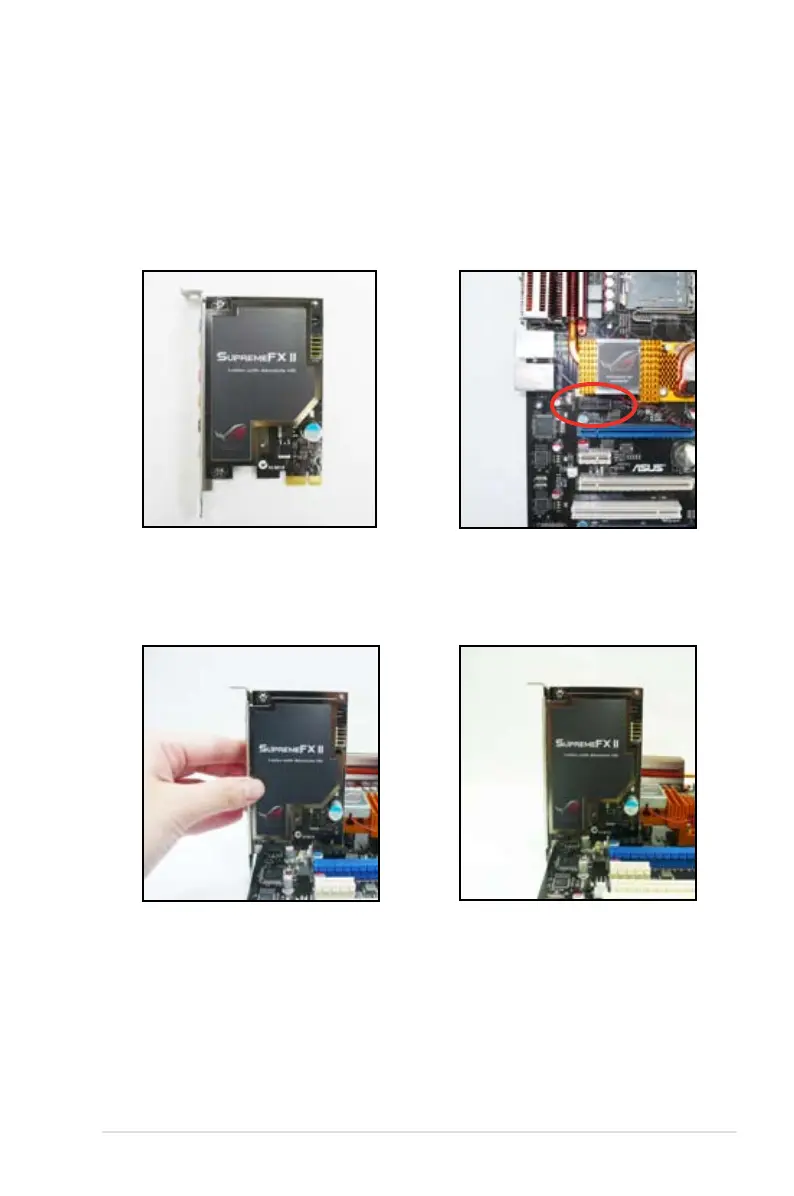
2.7.1 Audio card Installation
1. Take out the Audio card from the
package.
2. Locate the audio slot on the
motherboard.
3. Align the card connector with the
sits on the slot completely.
4. The photo below shows the
audio card installed on the
motherboard.



 To Next Page