5-38 Chapter 5: Software support
Creating a RAID Volume
To create a RAID volume:
1. From the NVIDIA
®
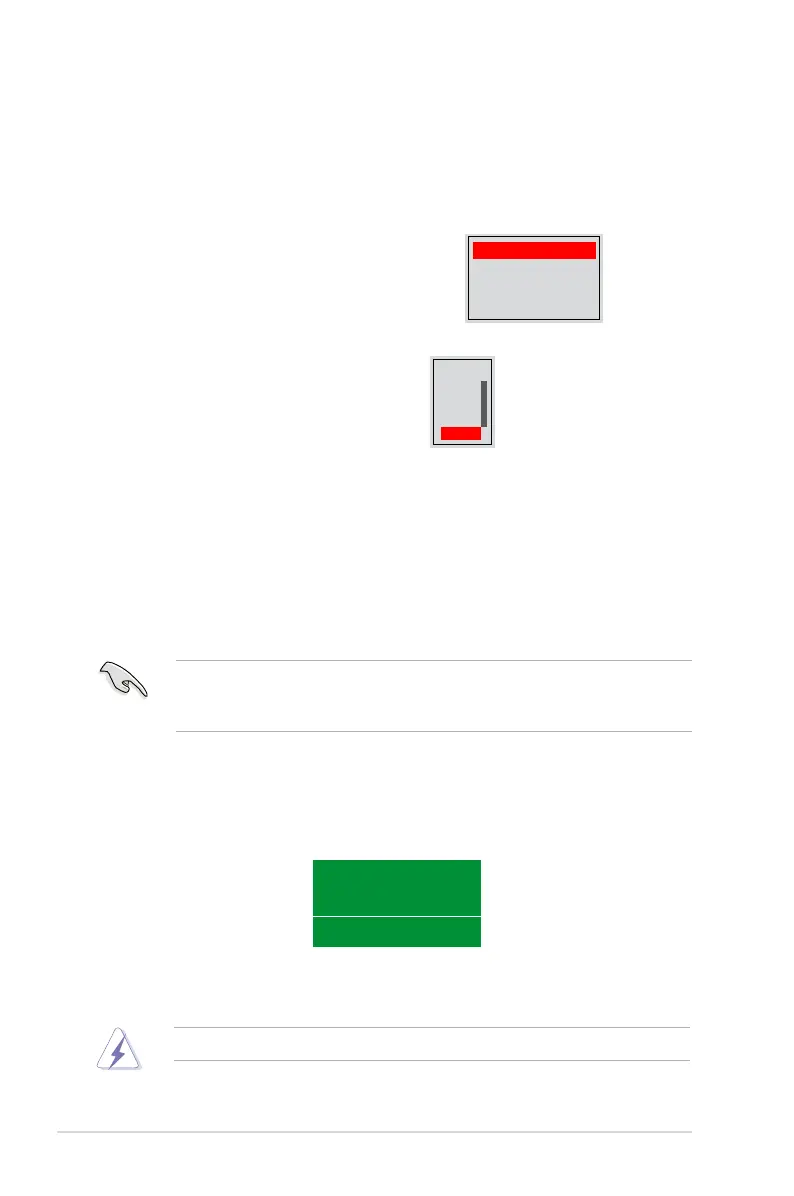
then press <Enter>. The following submenu appears.
Use the up or down arrow keys to select a
RAID mode then press <Enter>.
Mirroring
Striping
Stripe Mirroring
Spanning
multimedia computer systems used mainly for audio and video editing, we
Take caution in using this option. All data on the RAID drives will be lost!
2. Press <TAB> select the Striping
Block then press <Enter>. The
following submenu appears:
If you selected Striping or Stripe Mirroring, use the up or down arrow keys to
values range from 8 KB to 128 KB. The default selection is 128 KB. The strip
value should be chosen based on the planned drive usage.
• 8 /16 KB - low disk usage
• 64 KB - typical disk usage
• 128 KB - performance disk usage
3.` Press <TAB> to select the Free Disks area. Use the left or right arrow keys to
assign the array disks.
4. Press <F7> to create RAID set. The following message box appears.
Clear disk data?
[Y] YES [N] NO
5. Press <Y> to clear the selected disks or <N> to proceed without clearing the
disks. The following screen appears.
8K ↑
16K
32K
64K
128K
Optim↓


 To Next Page