5-18 Chapter 5: Software support
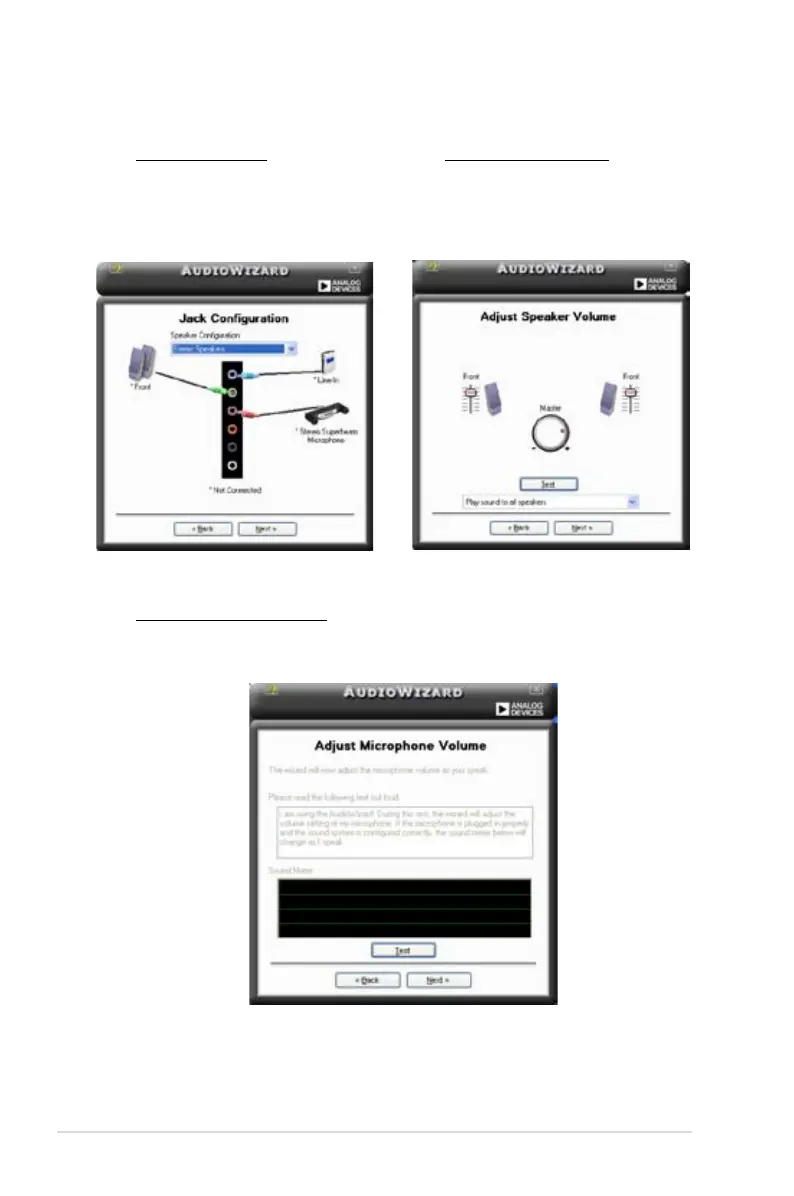
Jack configuration
your computer’s audio ports,
depending on the audio devices
you have installed.
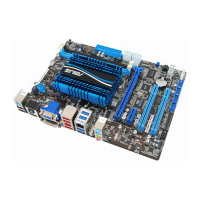
Adjust speaker volume
This screen helps you adjust
speaker volume. Click the Test
button to hear the changes you
have made.
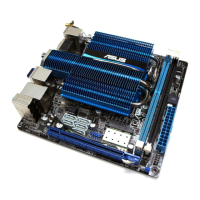
Adjust microphone volume
This screen helps you adjust microphone volume. You will be asked to read


 To Next Page