ROG Striker II Extreme / Striker II NSE 2-25
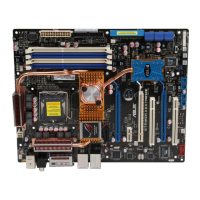
• We recommend that you install a VGA card to the primary (blue) PCI
Express x16 slots, and install any other PCI Express device to the universal
(white) PCI Express x16 slot.
• Connect a rear chassis fan to the motherboard connector labeled
CHA_FAN2 or OPT_FAN1/2/3 when using multiple graphics cards for better
thermal environment. See page 2-35 for details.
• In single VGA card mode, use any of the PCIe 2.0 slots (blue) for a PCI
Express x16 graphics card to get better performance.
• In SLI™ mode, use the PCIe 2.0 slots (blue slots) for PCI Express x16
graphics cards to get better performance.
®
SLI™ mode. See page 2-37 for details.


 To Next Page