Chapter 2: Hardware Setup
2-34
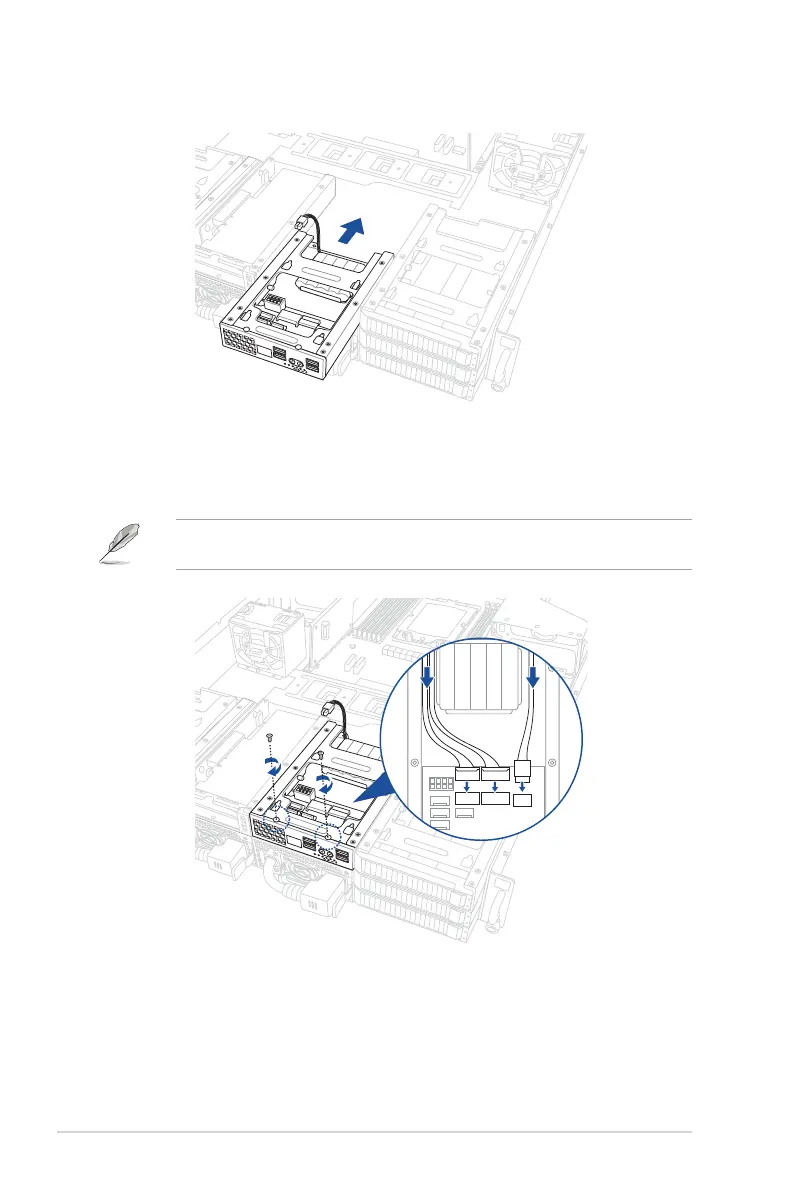
5. Insert the Front Panel Module into the system.
6. Connect the Cache Vault Power Module to the PIKE II card or RAID card.
7. Reconnect the three (3) cables to the Front Panel Module, then secure the Front Panel
Module using the two (2) screws removed earlier.
When reconnecting the cables, ensure that the cables are not placed on top of the Cache
Vault Power Module.














 To Next Page