Chapter 6: RAID Conguration
6-6
6.3 Intel
®
Rapid Storage Technology enterprise
(Windows)
The Intel
®
Rapid Storage Technology enterprise allows you to create RAID 0, RAID 1, RAID
10 (RAID 1+0), and RAID 5 set(s) from Serial ATA hard disk drives that are connected to the
Serial ATA connectors supported by the Southbridge.
You can click Rescan to re-scan any attached hard disks.
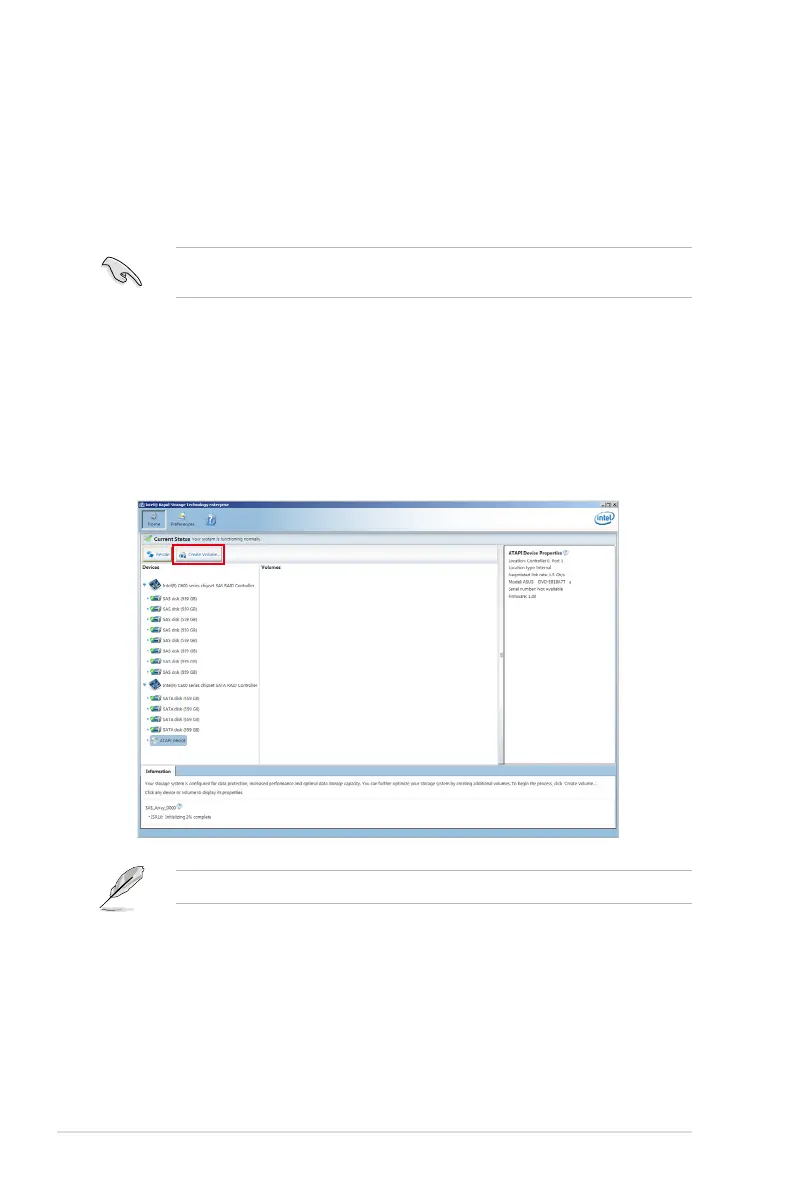
1. Turn on the system and go to the windows desktop.
2. Click the Intel
®
Rapid Storage Technology enterprise icon to display the main menu.
Your storage system is congured for data protection, increased performance and
optimal data storage capacity. You can create additional volumes to further optimize
your storage system.
To enter the Intel
®
Rapid Storage Technology enterprise utility under Windows operating
system:
You need to manually install the Intel
®
Rapid Storage Technology enterprise utility on a
Windows
®
operating system. Please refer to the installation instructions in Chapter 7.


 To Next Page
 Loading...










