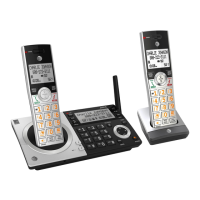
Answering system
Recording and playing memos
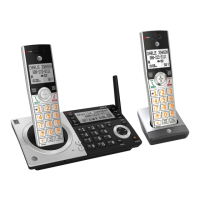
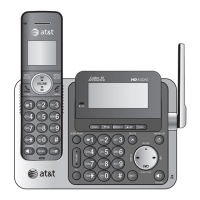
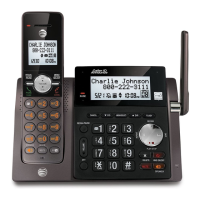
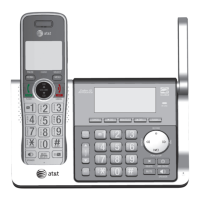
Using the telephone base:
1. When the telephone base is in idle mode, press
MENU/
SELECT to enter the main menu.
2. Press T
CID or SDIR to scroll to Answering sys. Press MENU/SELECT.
3. Press T
CID or SDIR to highlight Record memo, then
press
MENU/SELECT. The system announces, “Record
after the tone. Press 5 when you are done.” You can
record a memo for up to four minutes.
4. Speak towards the telephone base to record a memo.
5. Press 5 to stop recording. The system announces, “Recorded.” The system
does not save memos shorter than two seconds.
Play back a memo
Play memos the same way as messages. See Message playback on page 125.
Delete all old
>Record memo
S
T
>Record memo
Announcement
S
T
Answering system
127


 To Next Page
 Loading...