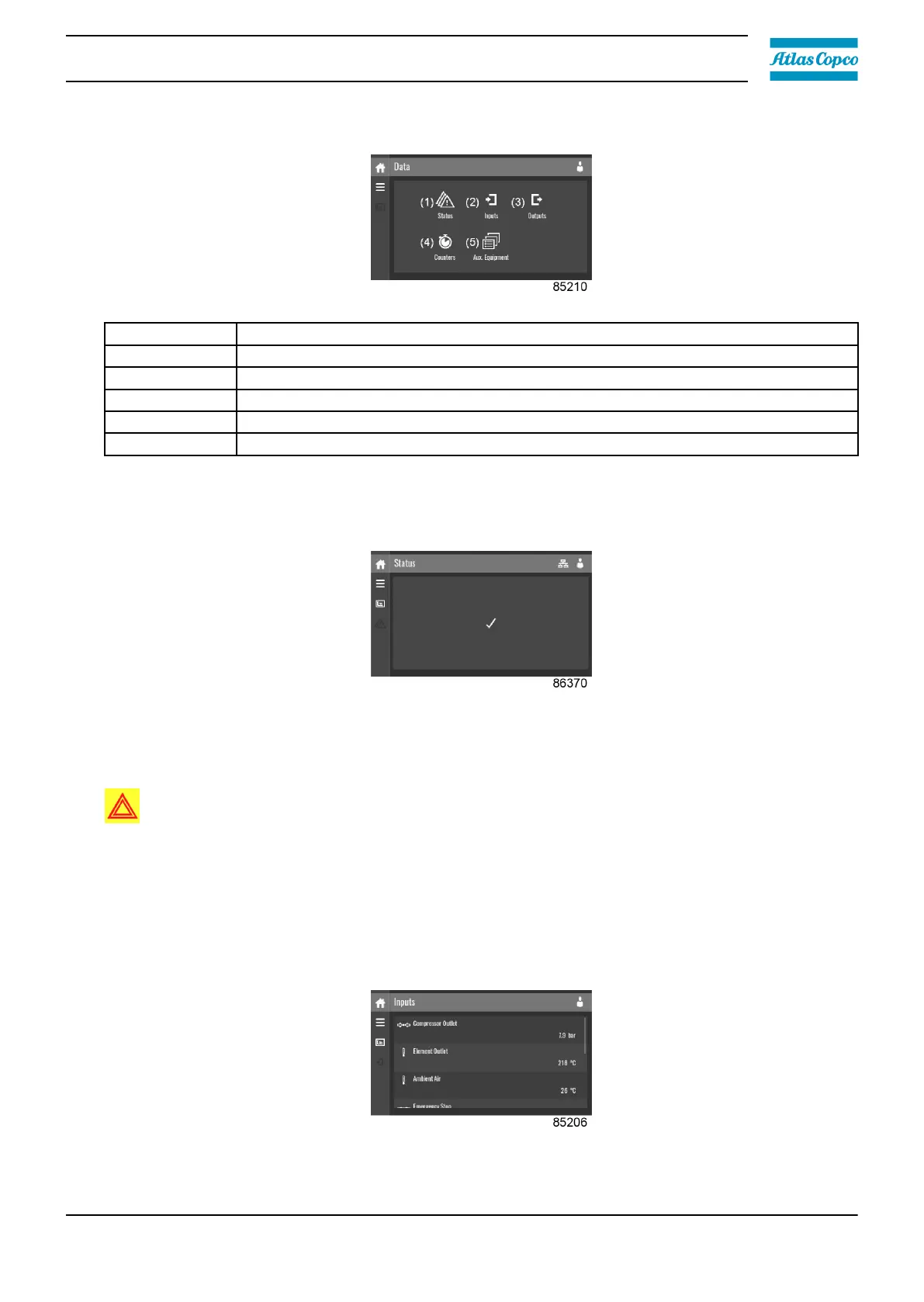
Description
Reference Description
(1) Status menu
(2) Inputs menu
(3) Outputs menu
(4) Counters
(5) Auxiliary equipment menu
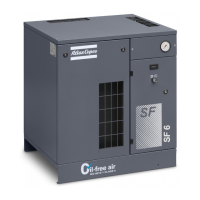
Status menu
Tap the Status icon to enter the Status menu.
This menu shows the current status of the unit.
If an alarm is active, it can be viewed by tapping the alarm message. To reset an alarm, tap the
reset button.
Warning:
Before remedying, consult the safety precautions.
Before resetting a warning or shutdown message, an authorized technician should solve the
problem. If a warning or alarm persists to occur, consult your supplier. Frequently resetting
these messages without remedying may damage the unit.
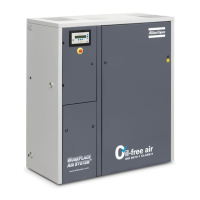
Inputs menu
Tap the Inputs icon to enter the Inputs menu.
This menu shows information about all the inputs.
Instruction book
2920 7219 10 35



 To Next Page