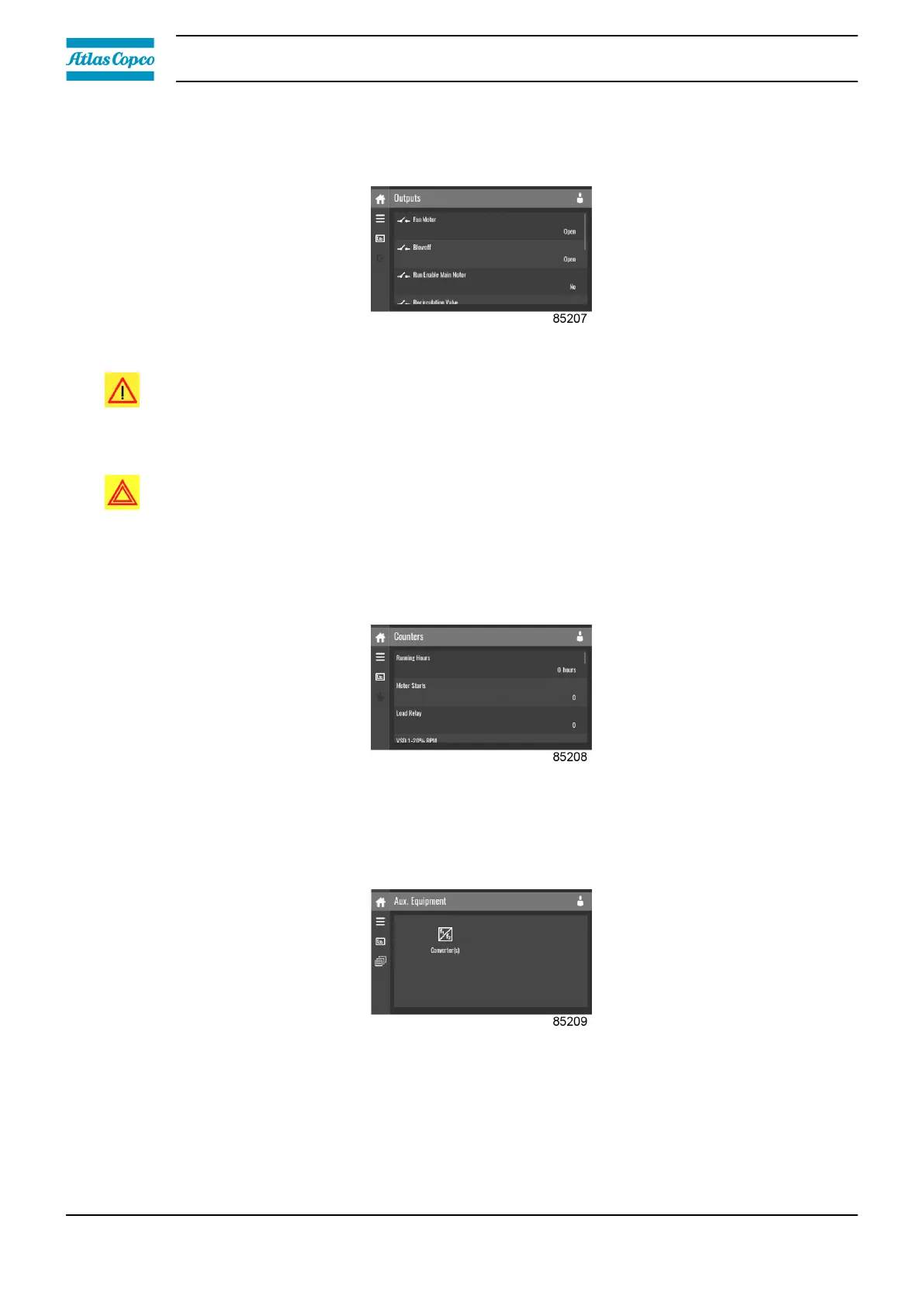
Outputs menu
Tap the Outputs icon to enter the Outputs menu.
This menu shows information about all the outputs.
Danger:
Voltage-free outputs may only be used to control or monitor functional systems. They should
NOT be used to control, switch or interrupt safety related circuits. Check the maximum
allowed load on the label.
Warning:
Stop the unit and switch off the supply before connecting external equipment. Consult the
safety precautions.
Counters menu
Tap the Counters icon to enter the Counters menu.
This menu shows an overview of all actual hours and counters of the unit and controller.
Auxiliary Equipment menu
Tap the Auxiliary Equipment icon to enter the Auxiliary Equipment menu.
This menu shows an overview of all auxiliary equipment fitted.
Instruction book
36 2920 7219 10



 To Next Page