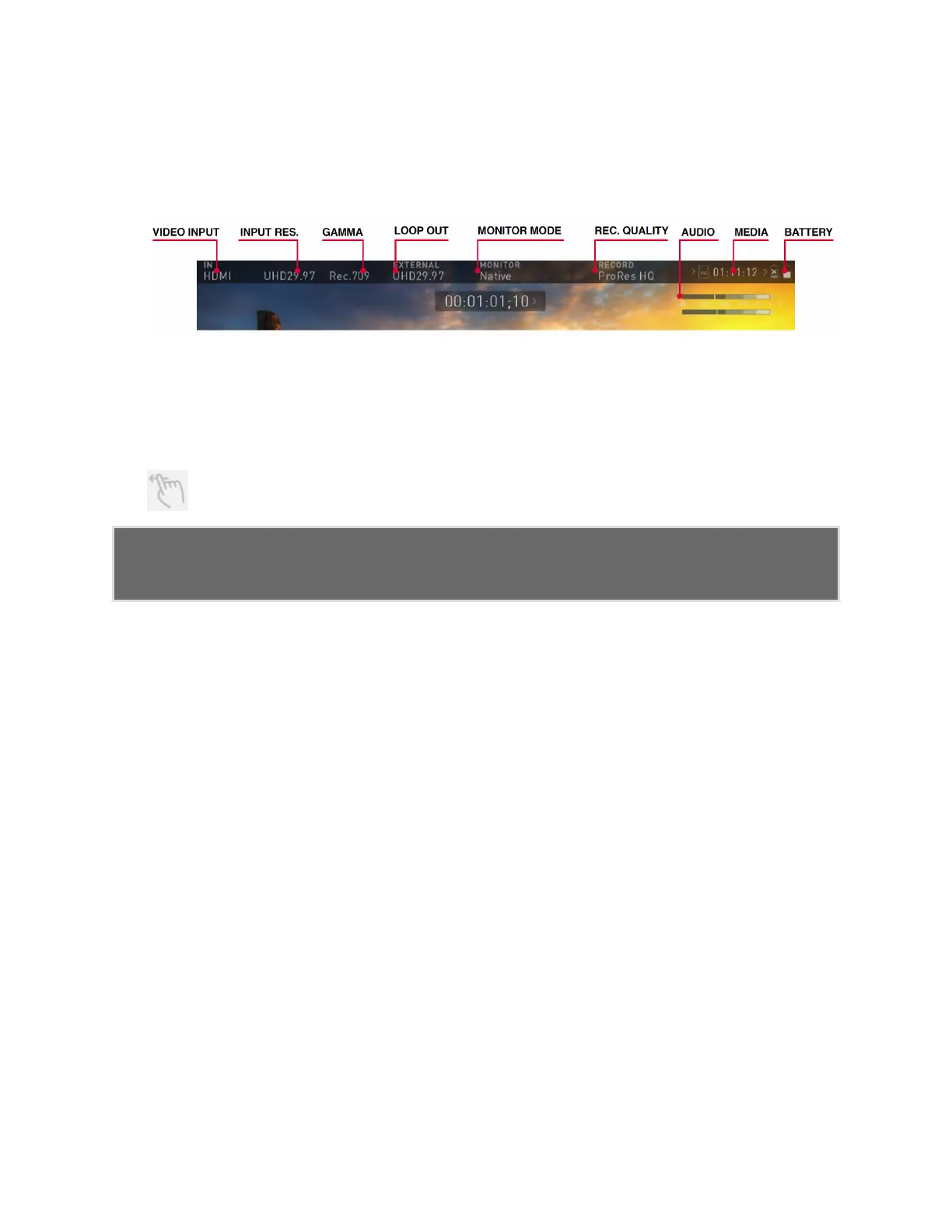
The Menu system
Tap on the Input, Output, Codec, Media or Battery indications in the Information bar at
the top of the home screen to open the menu related to that item.
Menu pages contain information as well as settings that can be adjusted. Across the top of
the menu page that opens are menu tabs that link to the other menu pages. Swipe the
menu tabs to the left or right to see all of the menu tabs and tap on the one you wish to
enter.
Swipe left to reveal more tabs that contain settings. If you cannot find the
menu you are looking for, swipe left or right.



 To Next Page