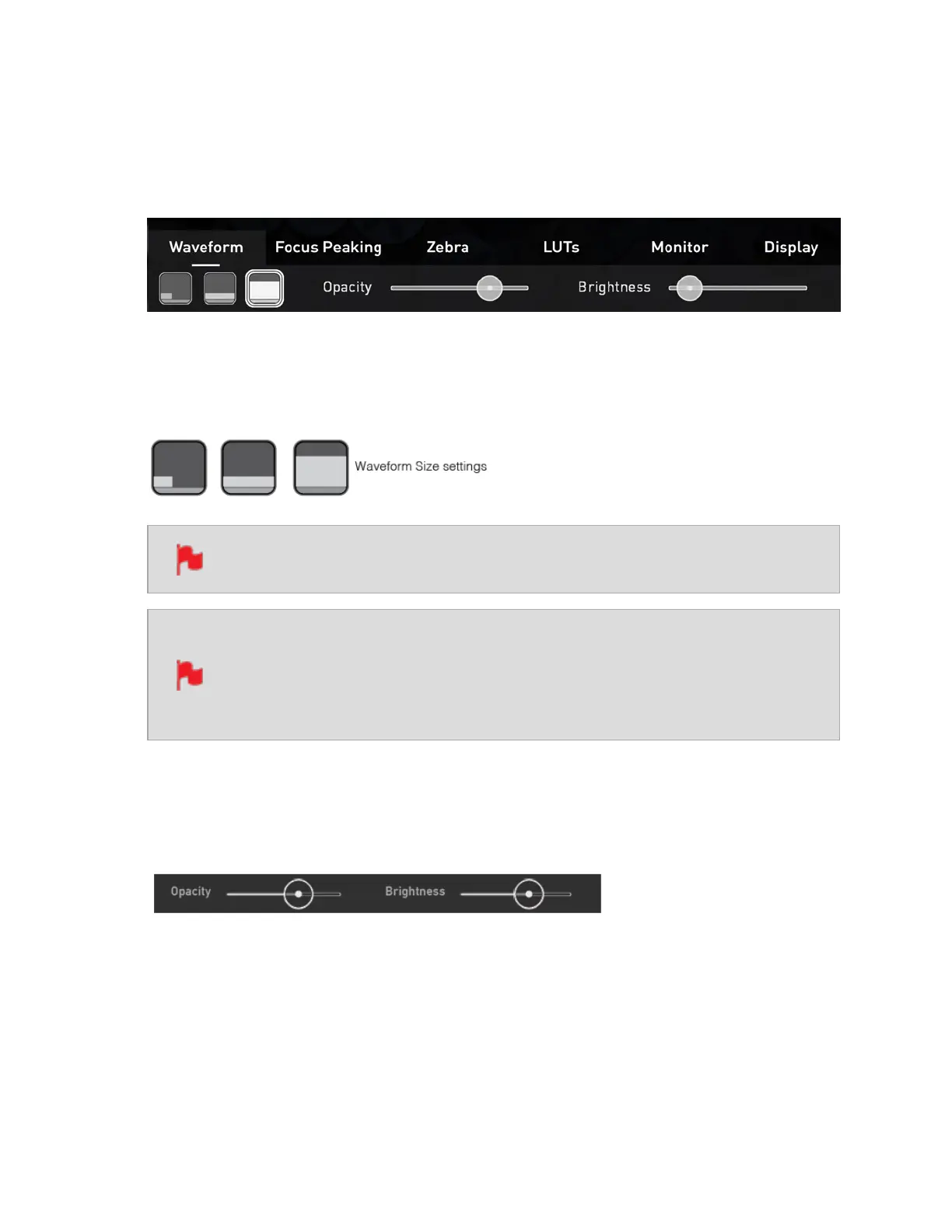
Waveform tab
To access Waveform Monitoring settings simply tap on the Settings icon and select the
Waveform Tab.
To change the size of the waveform, press on the corner icon, lower screen icon or full
Screen icon. The display will update immediately.
The size settings for the Vectorscope are limited to corner and full Screen.
To toggle between Waveform Monitor sizes of 1/4, 1/3 and Full Screen dur-
ing monitoring, recording and playback, tap on the bottom left corner of the
screen. You can also adjust the brightness and opacity of the waveform dis-
play whilst recording, monitoring or during playback.
The Brightness slider directly controls the intensity of the waveform while the opacity
slider adjusts the transparency values of the waveform display on screen. Experiment
with these controls to achieve your desired monitoring setup.



 To Next Page