FRONT PANEL LCD DISPLAY
4-18 TranScend Chassis – Operation Manual
Greeting Alarm OPin Power
OPout Power
Gain
Module Temperature
Prev Menu
Status OPin Pwr (dBm)
OPout Pwr (dBm)
Gain (dB)
Volt (V)
Prev Menu
Chassis Temperature(C)
Model
Hardware Version
Software Version
Serial Number
Prev Menu
Prev Menu
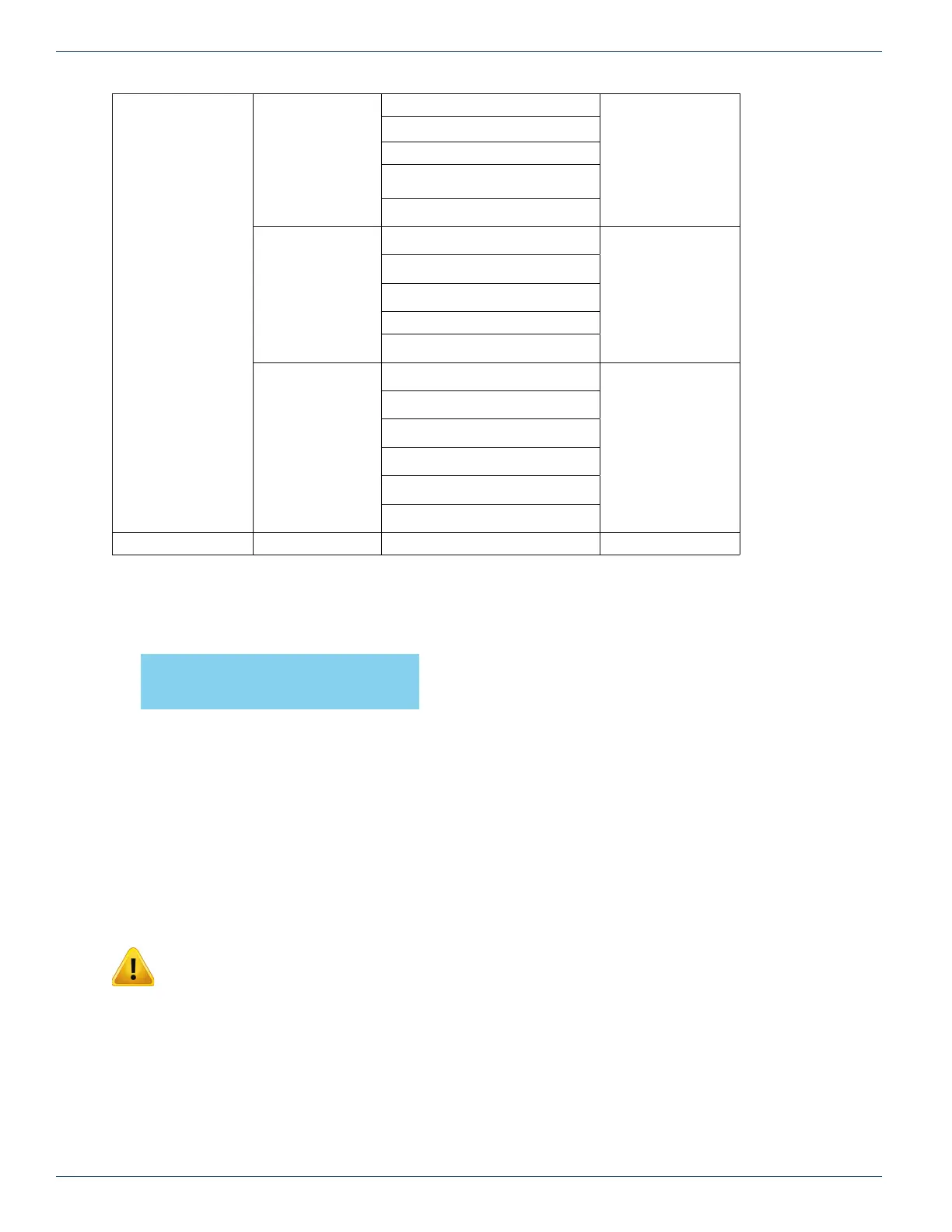
Table 11: TranScend AGC-EDFA Front Panel Display Menu Overview
Greeting:
Greeting Message
Press “Select” button to go into the plug-in menu.
Prev Menu:
Press “Select” will bring back to the System menu.
The entries in plug-in menu are described as follows:
Setup Menu:
Mode Setting Menu:
Mode: Press “Select” to set the gain mode, AGC/MGC. Press “Right” or “left” button to cycle through
the available mode options.
NOTE: User must press “Select” to select the gain mode in order for the plug-in to operate at
selected gain mode and for NVRAM storage. Fail to do so, the gain mode might revert back to
previous setting.
The factory default: MGC
Save: Press “Right” or “Left” button to cycle between “Yes” or “No”. Press “Select” to commit the selection
into NVRAM when “Yes” is selected. The display in bracket re ects the current NVRAM storage reading. If
user presses “Select” when display is “No”, no NVRAM change takes place.
InnoTrans Communications
AGC-EDFA
CHAPTER 4:



 To Next Page