Attention
If some I/O port has not been used, please set this port as “0”.
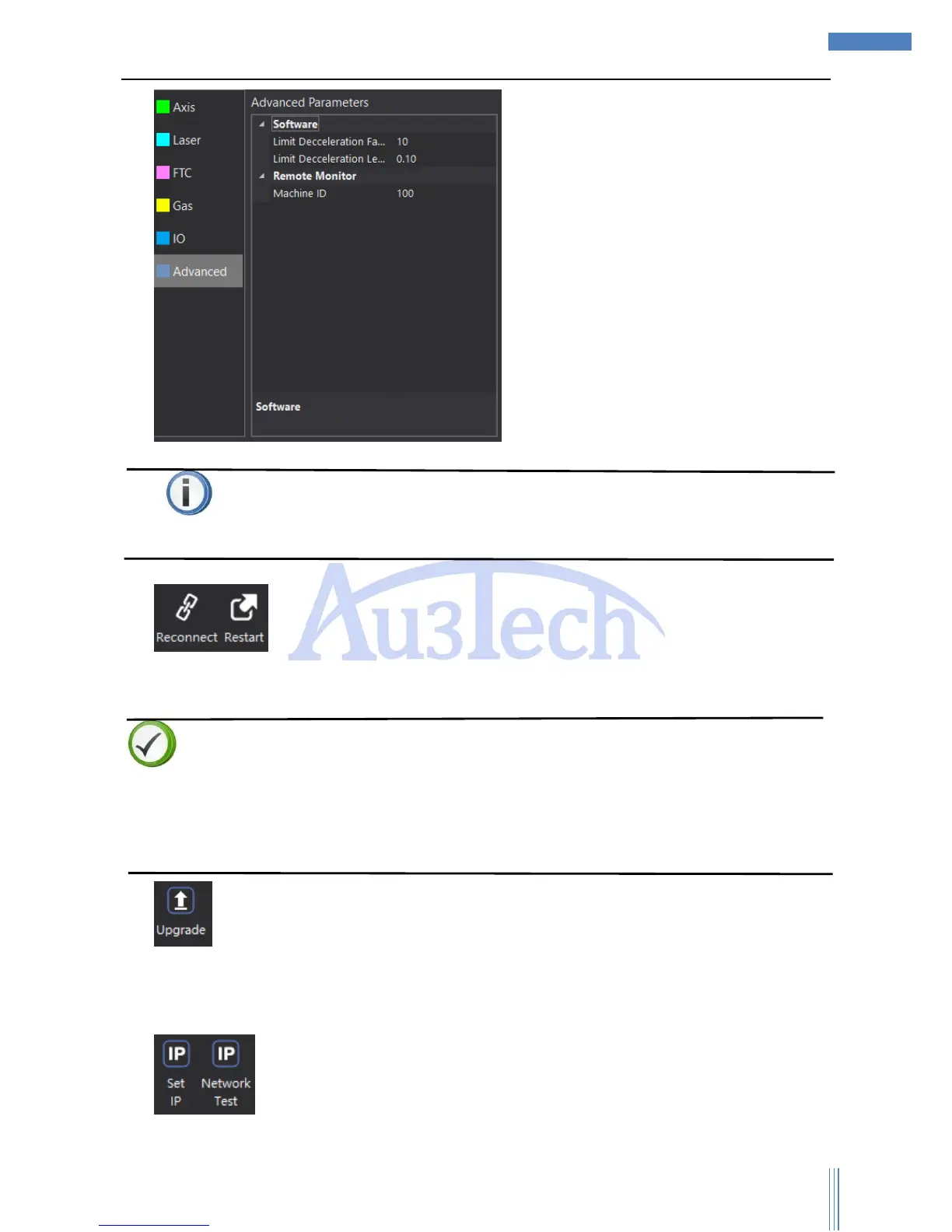
2) Reconnect: User can reconnect quickly by “Reconnect” when computer is not
well connected with SC1000 for some reasons such as pulling out the Ethernet cable. User can
restart the motion control card by “Restart”.
Descriptions
SC1000 can auto reconnect when recovered the communication parts. If it’s still not connected,
please select “Restart” after selecting “Reconnect”.
If SC1000 runs smoothly, please don’t select “Reconnect” or “Restart”, or SC1000 will be forced to
restart and break the communication.
3) :User can upgrade motion control card by this function. After click “Upgrade”, please select
the program file to upgrade. Please make sure all the relative equipment are power on and SC1000
is open during the upgrading to avoid unpredictable events happening. After upgrading is over, just
reconnect and restart SC1000.
4) : SC1000 can set up IP automatically and test the IP address by “Network Test”.



 To Next Page