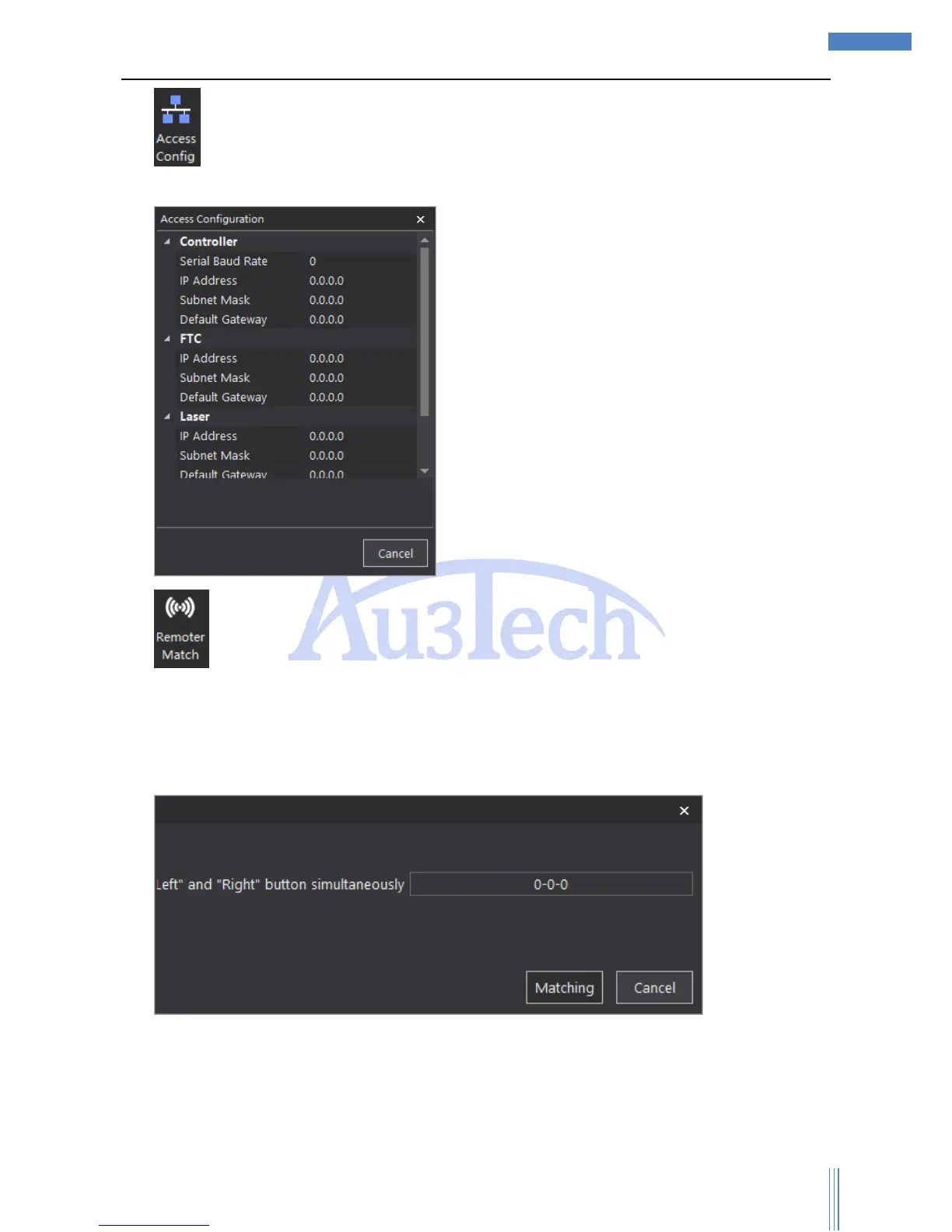
5) :Controller IP address: 10.1.1.168; FTC IP: 10.1.1.169; Laser IP: 10.1.1.170; User don’t need
to set Sub Mask and Default Gateway.
6) : Wireless remoter need to pair up before we can use.
Steps:
Please connect the USB receiver to the computer;
Click “Remoter Match”;
Press “Left” and ”Right” button simultaneously. If there shows a serial number, it means match
succeed.



 To Next Page