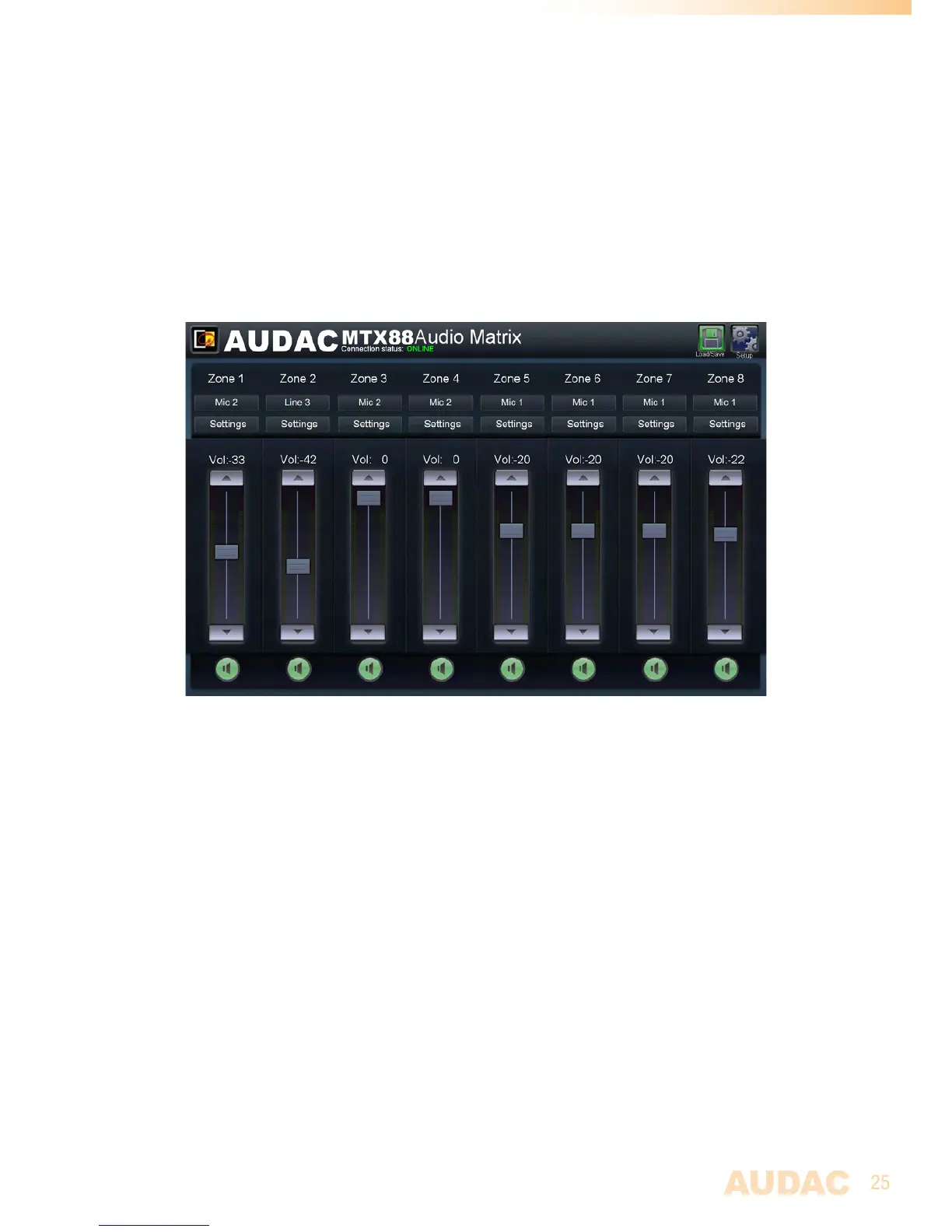
Input channel selection
Thedesiredinputsignalforaparticularzonecanbeselectedbyusingthedropdownlist
boxbelowthezonename.Thisdropdownlistshowsthe8inputsignals(incaseall8are
enabled).Whennoinputsignalisselected,theoption“Off”willappear.
Save
Whenanyimportantchangesaremade,pressthe“Save”buttoninthetoprightcorner.
Whenthesettingsaresaved,itwillberecalledafterMTXrestart.
Configuration menu
Inthetoprightcornerisa“Setup”buttondisplayed.Afterclickingthisbutton,youwillbe
redirectedtothegeneralconfigurationmenuoftheMTX.
MTXMainscreen
Zone settings
Afterclickingona“Settings”buttonforaspecificzone,youwillberedirectedtothe
“ZoneSettings”window.Thiswindowgivesanoverviewofallthesettingsthatcanbe
appliedtoonespecificzone.
Input selection
Thiswindowgivesanoverviewofallchannelswhichcanbepatchedtothatparticular
zoneoutput.Thefirstdisplayedoptionis‘NoInput”,whichmeanswhenthisoptionis
selected,noinputsignalwillberoutedtothatparticularoutputzone.Belowareall8
inputsdisplayedwhichcanbepatchedtothatparticularoutputzone.
Direct inputs
Thefirst6displayedinputsarealldirectinputswhichareavailableonthebacksideof
theMTX.ThefirsttwoarethemicrophonechannelsMic1andMic2.Thefournextones
areLineinputsLIne3toLine6.Thesesix‘DirectInputs’aresimultaneouslyavailableand
selecteableforalloutputzonesoftheMTX.



 To Next Page