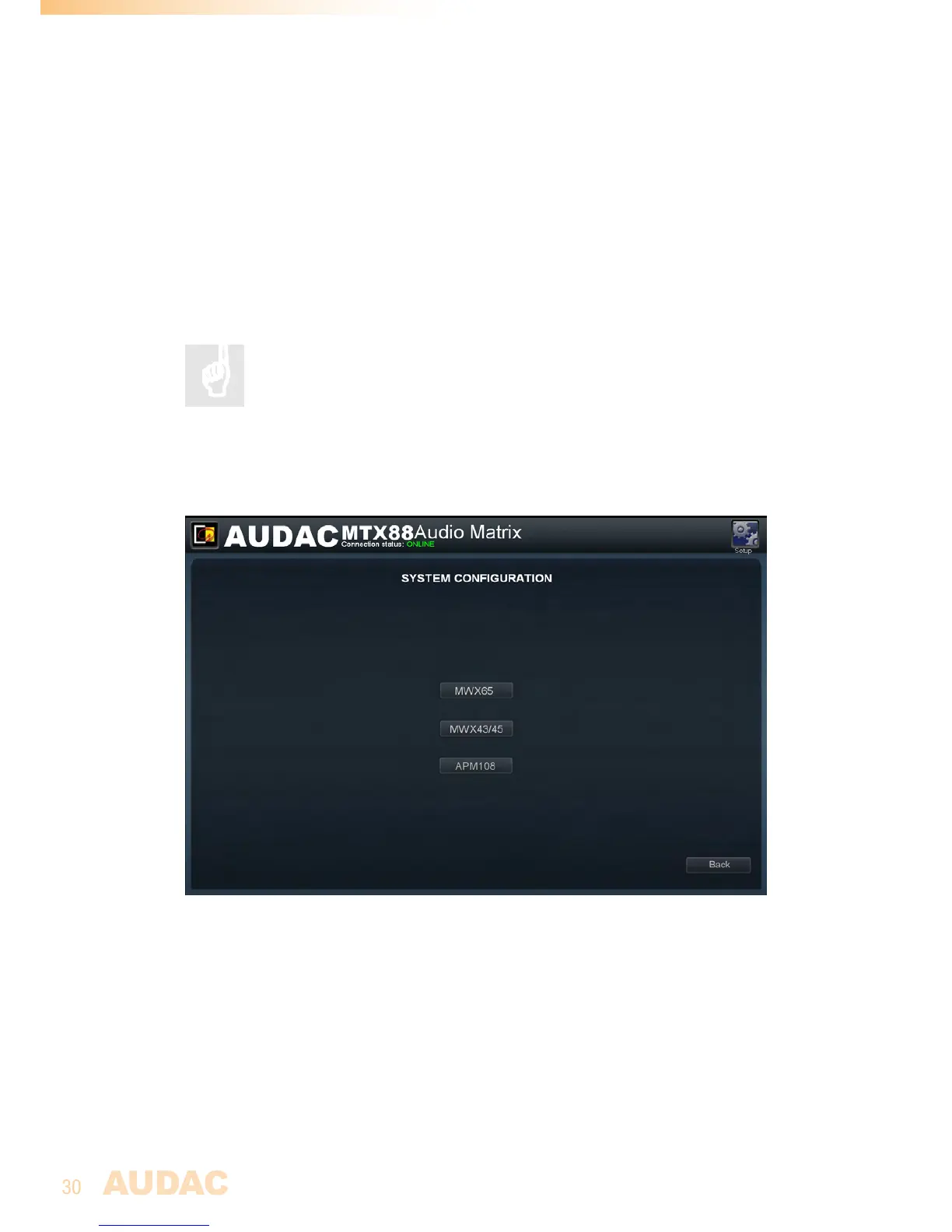
Settings >> System configuration
Inthiswindow,theconfigurationsettingsforexternalconnecteddevicessuchaswall
panelsandpagingconsolescanbemade.Itshowsthreebuttons,oneforMWX43/45
wherebytheconfigurationsettingsforthesimplewallpanelcontrollercanbemade,one
forMWX65wherebytheconfigurationsettingsfortheAll-In-Onewallpanelcanbemade
andoneforpagingwherebytheconfigurationsettingsforAPMandMPXpagingconsoles
canbemade.
Justclickthecorrespondingbuttontoproceedtothedesiredsettingsmenu.
Formoreinformationabouttheconnectionandconfigurationpossibilities
forexternalconnecteddevices,refertoChapter 5: Peripheral
Interfacesofthisusermanual.Inthischapterisextensivelydescribed
howtheconnectionandconfigurationforperipheralequipmentshouldbe
done.
Back
Clickthe“Back”buttontogobacktotheconfigurationscreen.
MTXSystemconfigurationscreen
Settings >> Front control settings
Thiswindowenablesyoutoblockcertainsettingsfrombeïngaccessiblefromthefront
panelofthedevice.Fourcheckboxesareshownforthecorrespondingsettings,indicating:
“Blockvolumechange”,“Blockinputchange”,“BlockBass/Treblechange”and“Block
configurationsettings”.Bytickingthecheckboxestheaccesstothecorrespondingsettings
willbedeniedfromthefrontpanel.Itisrecommendeddisablingtheconfigurationsettings
fromthefrontpanel,whenthedevicewillbeplacedwithinreachofunqualifiedpersonel.



 To Next Page