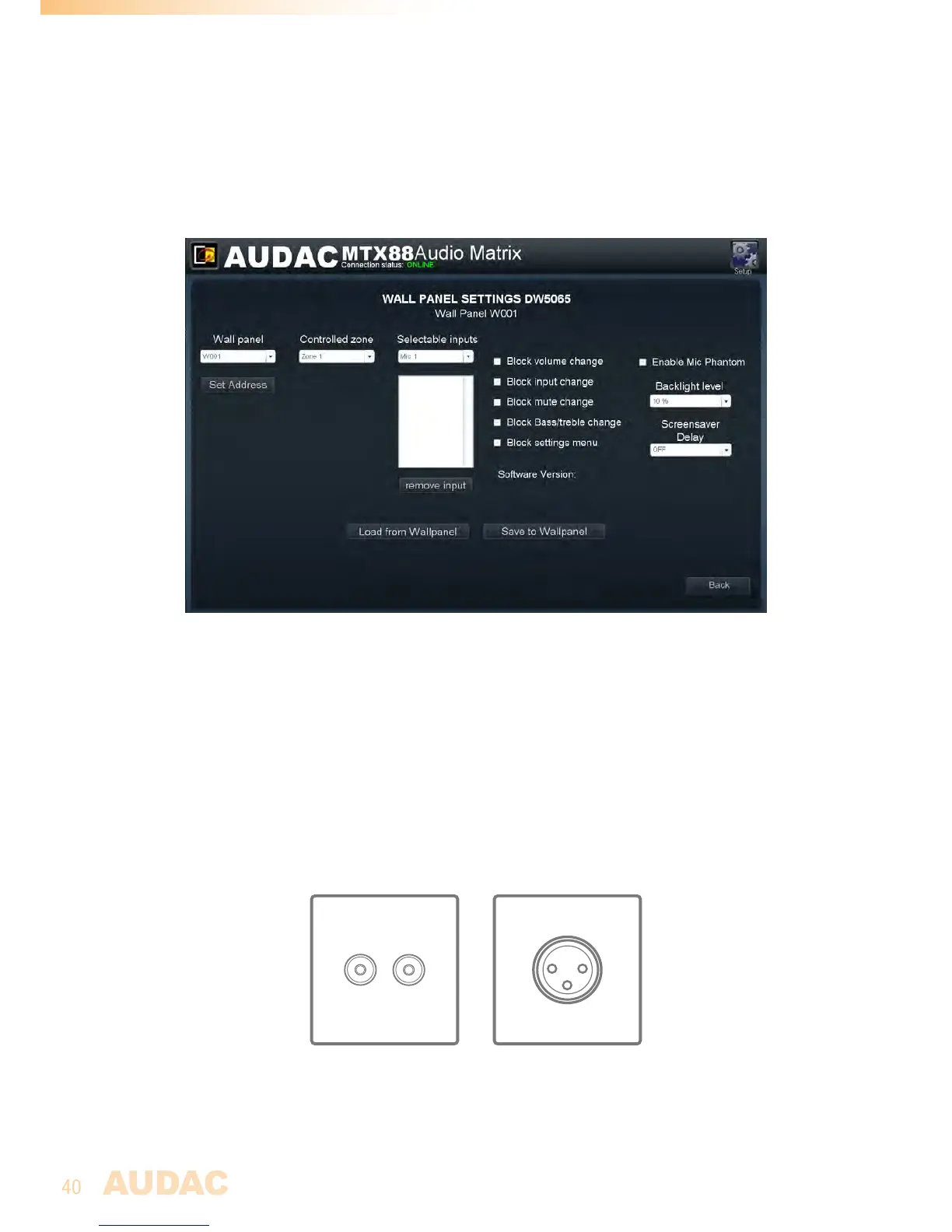
“Blocksettingsmenu”isnotchecked)
7)Whenthesettingsaremade,pressthe“SavetoWallpanel”buttonandthesettingswill
besendtotheselectedMWX65wallpanel.
Previouslymadesettingscanberetrievedfromthewallpanelbyclickingthe“Loadfrom
Wallpanel”button.Hereby,thesettingswhicharestoredinthewallpanelwillbedisplayed
inthiswindow,makingitpossibletomakeanychangestothecurrentsettings.
MWX65Settingsscreen
Maximum cable length for MWX65
ThemaximumcablelengthfortheMWX65wallpanelis300meter.
WMI and WLI wall input units
Functions
TheWLIandWMIunitsarewallinputunitswhichcanbeusedasadditionallocalinputs
fortheMTX.Theyjustcanbepluggedtothewallpanel(WP)inputsontherearsideofthe
MTXandnoadditionalconfigurationsettingshavetobemade.Thewallpanelinputsare
onlyavailableasinputforthezonewhereitsconnectedto.
WLILineinput(left)unit&WMIMicrophoneinputunit(right)
TheLineinputunits(WLI)areequippedwithanRCAconnectorwheretoanykindof



 To Next Page