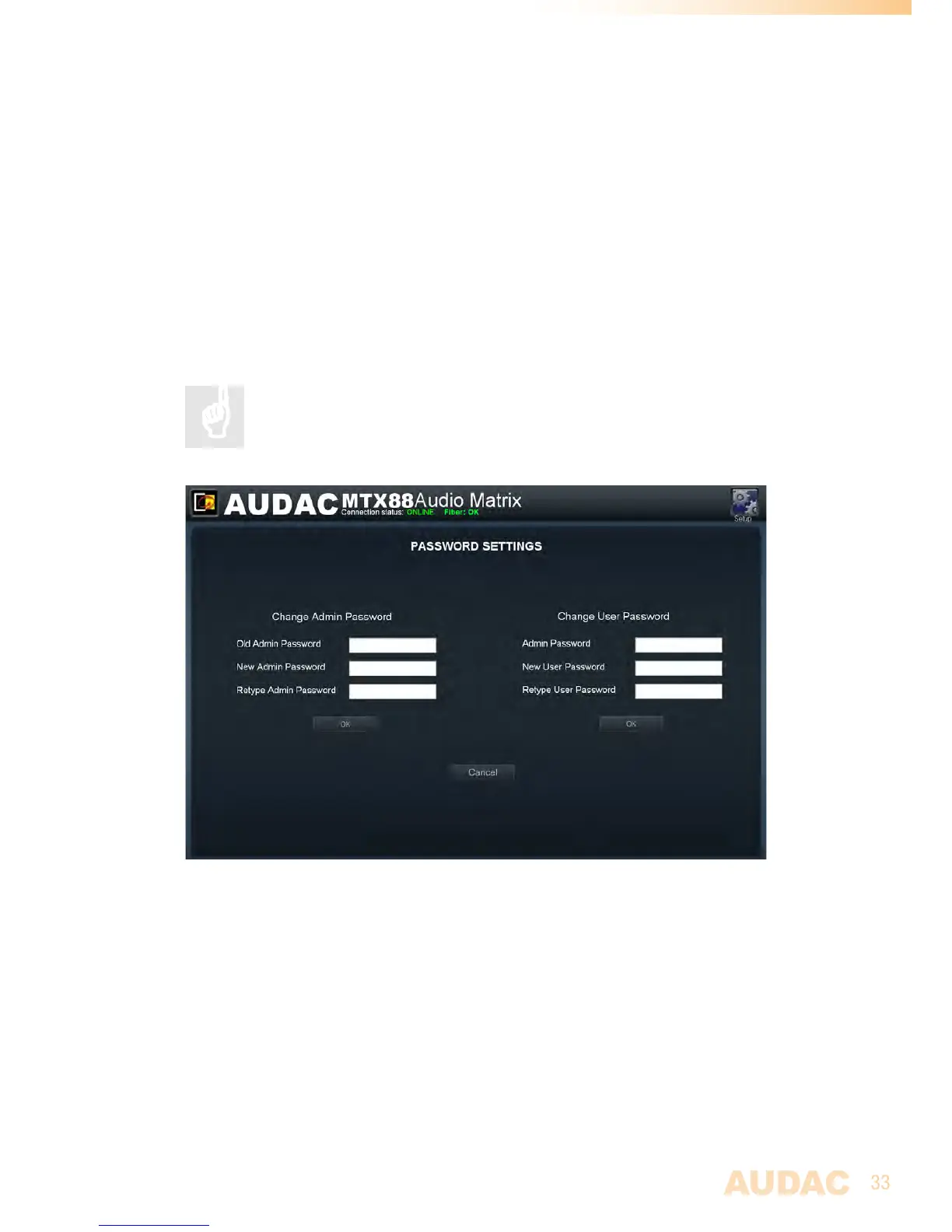
Settings >> Password settings
InthiswindowthepasswordsfortheMTXcanbechanged.Therearetwodifferentpassword
levels.AdministratorlevelwhichhasfullaccesstoallfunctionsandUserlevel,whichhas
onlyaccesstothebasicfunctions.
OntheleftsideofthewindowthesettingsfortheAdministratorpasswordcanbechanged,
whileontherightsidethesettingsfortheUserpasswordcanbechanged.
Forchangingthepassword,entertheoldpasswordintheprovidedfield,andenterthenew
passwordtwiceintheprovidedfields.Afterthisalliscompleted,pushthe“OK”button.
Whentheoldpasswordiscorrect,andthenewpasswordfilledinbothfieldsmatch,the
oldpasswordwillbechangedintothenewpassword.
Thefactorydefaultpasswordfor Administratorlevelis“MTX”andfor
Useris“user”.
MTXPasswordsettings



 To Next Page