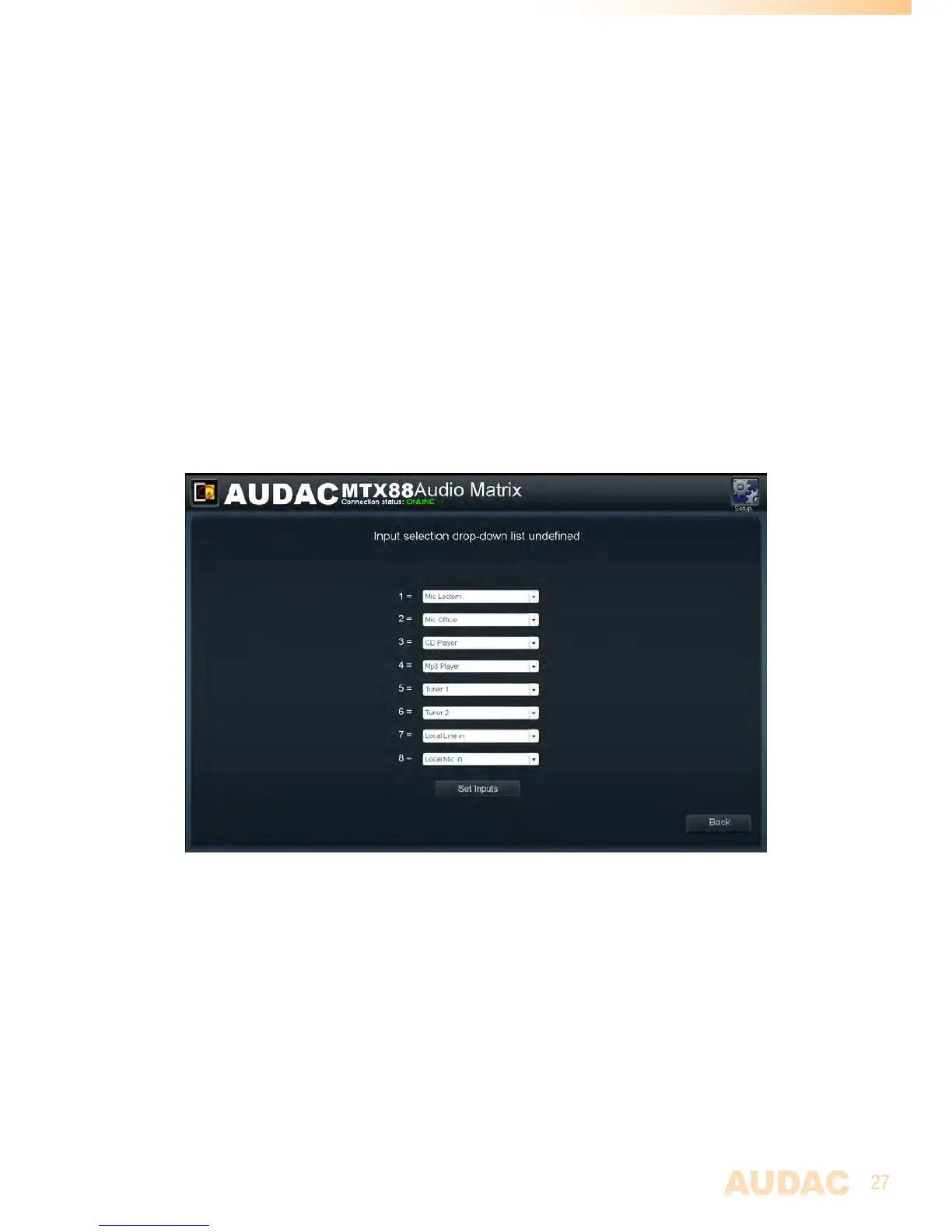
Zone settings >> Input selection
Theinputselectionwindowallowsyoutomakeaselectionoutofallavailableinput
signalsforthe“QuickSelectionMenu”.Thismenuisthedropdownlistwhichisshownon
themainscreenbelowthezonename,butalsotheinputsselecteablebytheMWX43/45
wallpanelsaredefinedbythe“QuickSelectionMenu”.
Selection
Thiswindowgivesanoverviewof8listboxes,oneforeveryselecteableinputchannel.
Ineverylistbox,theselectioncanbemadebetweenthe“inputname”and“Off”.When
switchedto“Off”,theinputchannelisnotselecteableforthiszone.
Save
Aftertheselectionismadewhichinputsshouldbeselecteableforthiszone,clickthe‘Set
inputs’buttonandtheselectedinputswillbeassignedwiththiszone.
Back
Clickthe“Back”buttontogobacktothepreviouswindow.
MTXInputselectionscreen
Configuration settings screen
Theconfigurationsettingscontrolpanelcomesupafterclickingthe“Setup”button.This
buttonisalwaysshownintheupperrightcornerofeverywindow.(OnlyonAdministratorlevel)
Inthiswindow,allthesettingsoftheMTXcanbemadesuchasadjustingthenetwork
settings,adjustingthepagingsettings,changingtheprioritysettings,makingthesystem
configurationforexternalconnecteddevices,changingthepasswordandrestoringthe
settingstofactorydefault.
Ifyouwanttochangesomesettings,justclickonthecorrespondingicon.



 To Next Page