Auto saving
Allchangesmadetoconfigurationsettingswillbesavedautomaticallyandarestill
effectiveaftershutdownofthedevice.
Back
Clickthe“Back”buttontogobacktothemainscreen.
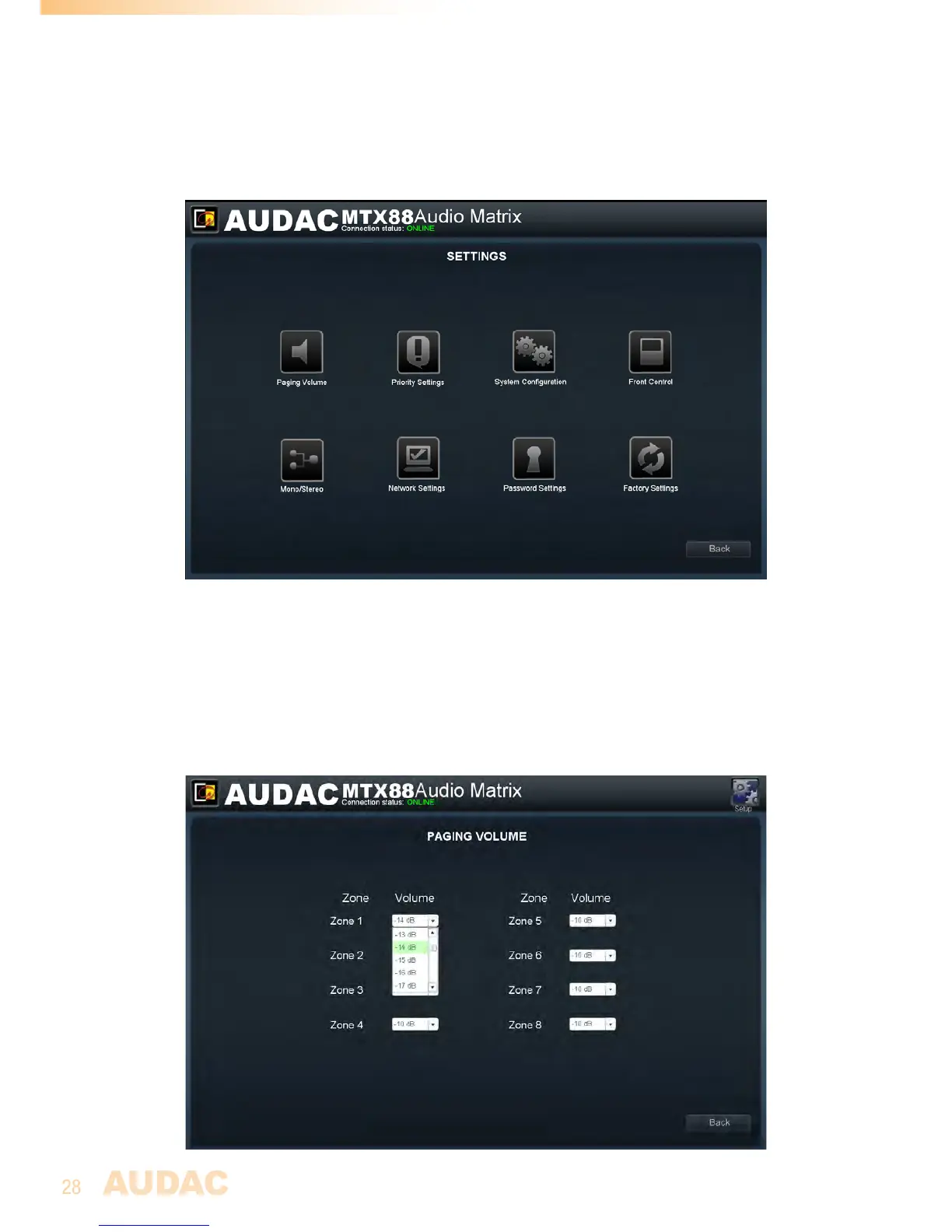
MTXConfigurationsettingsscreen
Settings >> Paging Volume
Inthiswindow,thepagingvolumeforeachindividualzonecanbesetbymeansof
thedropdownboxes.Thispartismoreextensivelydescribedin“Chapter5:Peripheral
interfaces>>Paging”ofthisusermanual.



 To Next Page