General operation 15
– Rotate the control knob to DSP PREMIUM and press the
knob. The DSP PREMIUM ⇒ page 14, fig. 14 menu
appears in the display.
Surround
– Rotate the control knob to Surround and press the knob.
– To switch Surround on, rotate the control knob to on.
– To save your setting, press the control knob. Surround
Sound is only active for a selected CD or SD source.
GALA
– Rotate the control knob to GALA and press the knob.
– To adjust the level of volume equalization, rotate the
control knob to one of the seven steps and press the
knob.
– To switch the function off, rotate the control knob to off
and press the knob.
– For the system to automatically adjust the volume to
compensate for the ambient noise, rotate the control
knob to auto and press the knob.
Setting time of day
Opening the time setting menu
– Press the function button.
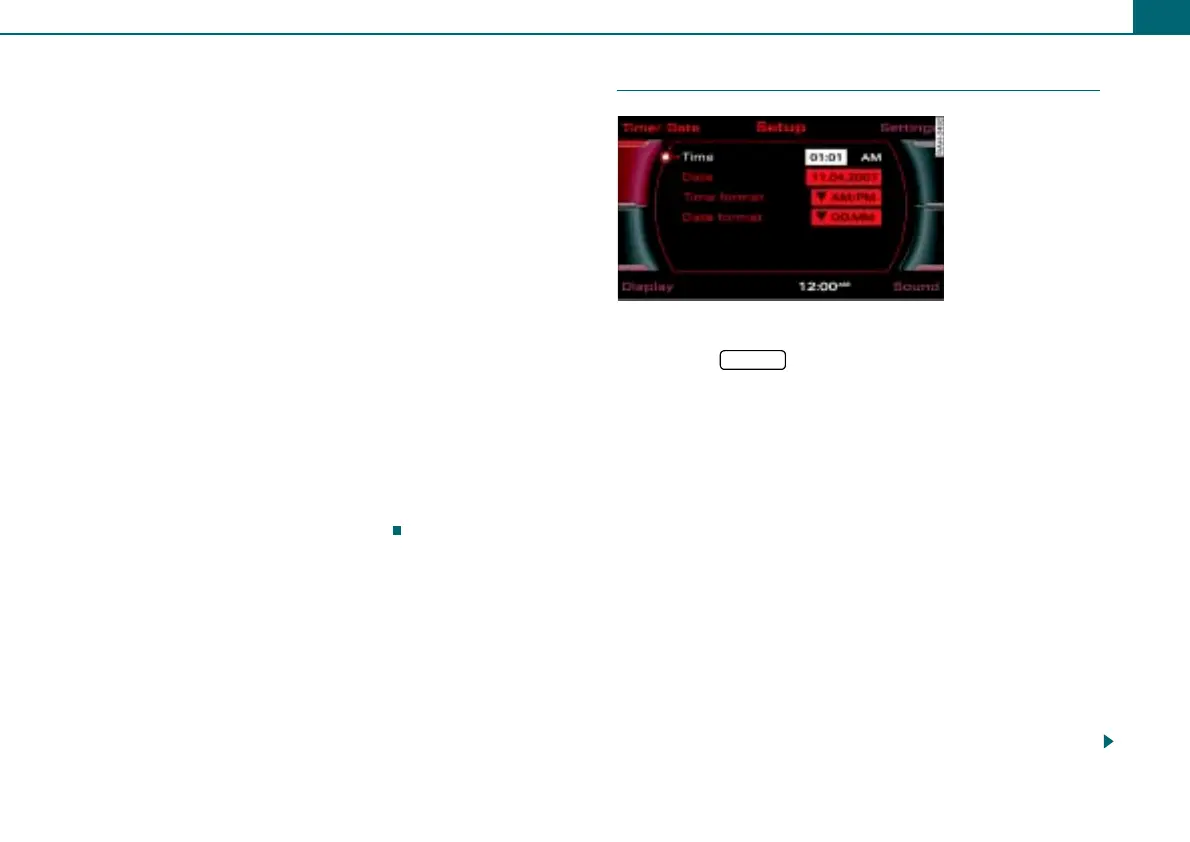
– Press the control button Time/Date. The time setting
menu ⇒ fig. 15 appears in the display.
Setting time of day
– Rotate the control knob to Time and press the knob. The
hour display is shown in the display highlighted in white.
– To set the hour, rotate the control knob to the left or right
and then press the control knob. The minute display is
shown in the display highlighted in white.
– To set the minutes, rotate the control knob to the left or
right.
– Save the time of day entry by pressing the control knob.
Setting the date
– Rotate the control knob to Date and press the knob. The
day display is shown in the display highlighted in white.
Fig. 15 Setting time
SETUP



 To Next Page