General operation12
– When you have entered all the digits, rotate the control
knob to OK and press the knob.
Deleting numbers, letters, and symbols
– Rotate the control knob with the selection arrow to DEL
.
– To delete the last digit in the entry field, press the control
knob.
– To delete all the digits in the entry field, hold the control
knob down until no digits show in the entry field.
In some cases the selection of letters is limited by logical exclusion.
This means that you can select only the letters which are possible at
this place in a word.
Enter special characters (e.g. hyphen or period) using the number
speller.
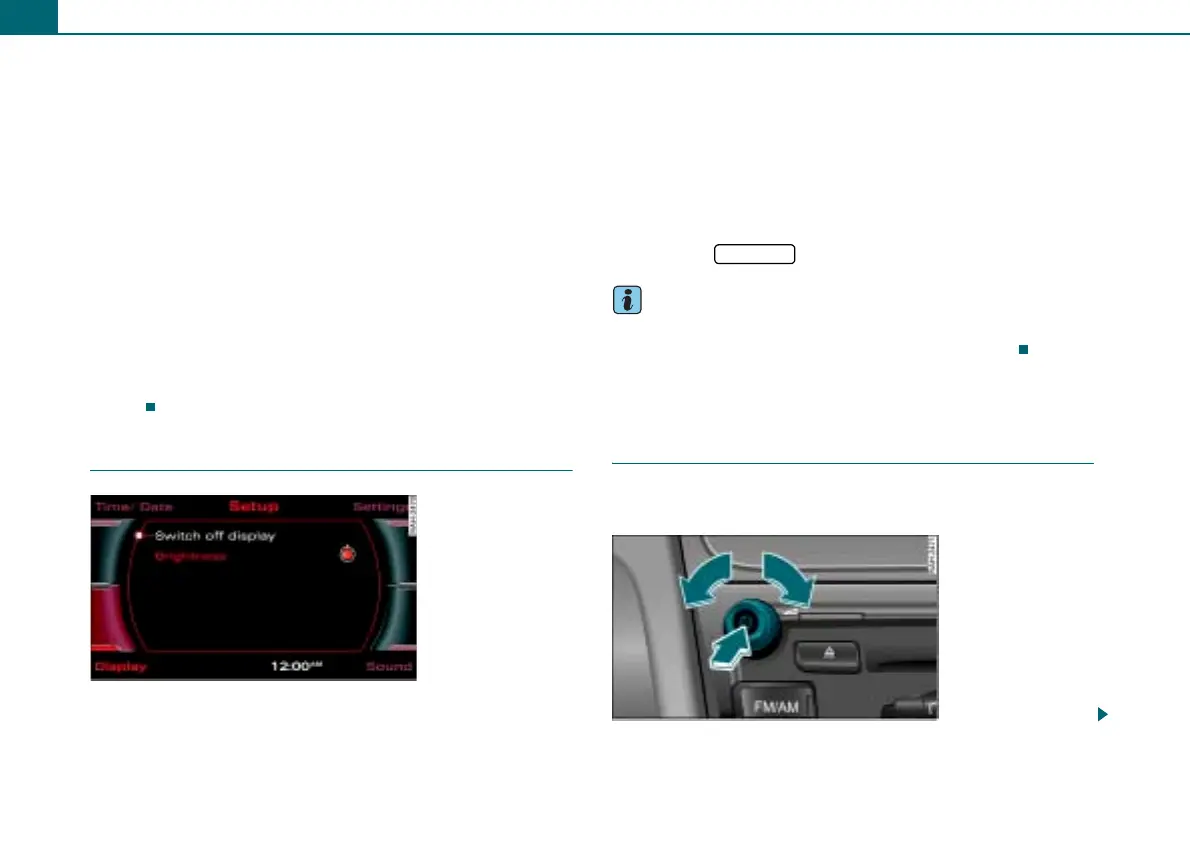
Switching display on/off
Switching display off
– Press the control button Display in a setup menu.
– Rotate the control knob to Switch off display ⇒ fig. 9 and
press the control knob. The display is switched off.
Switching display on
– Press or rotate the control knob, or
– Press a function button, or
– Press a control button, or
– Press the button.
Tips
After the display is switched off, you can still change radio stations
or find a selected audio source using the arrow buttons.
Adjusting the volume
Active audio source
You can adjust the volume or mute the audio sources
using the On/Off control knob.
5
3
Fig. 9 Switching
display off
RETURN
Fig. 10 Adjusting radio
volume



 To Next Page