Listening to the radio 19
Applies to vehicles: with Satellite Digital Audio Radio Service
System information
The following system messages can be displayed:
Starting radio operation
Requirement: The radio is on ⇒ page 8.
– Press the function button. The list of stations or
the most recent active radio menu appears in the display.
The menu that was open the last time you listened to the radio is
shown in the display. You can switch between the AM, FM and satel-
lite radio station lists by pressing the function button
while you are in radio mode.
Applies to vehicles: with Satellite Digital Audio Radio Service
Activating your satellite radio service
In order to be able to receive satellite programs, this
service must be enabled.
In order to have the service enabled at your provider, you
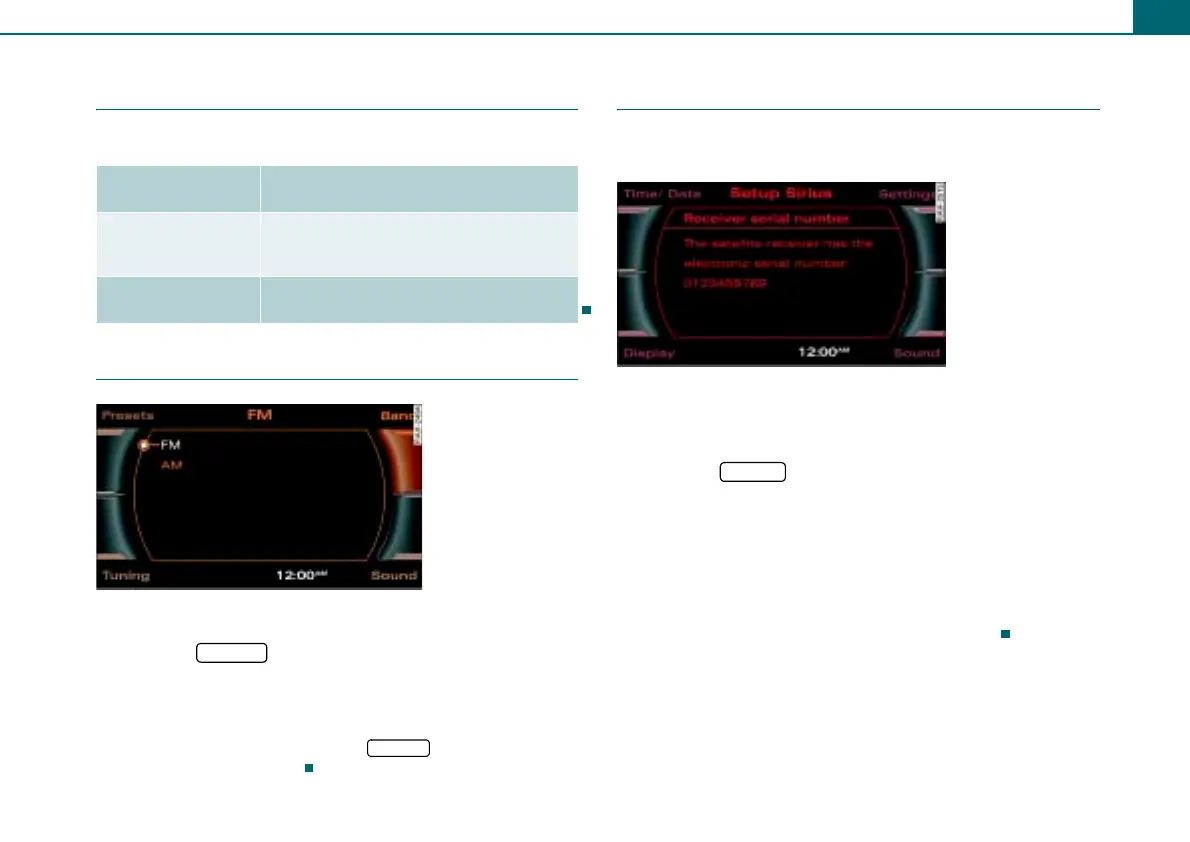
need the ID number of the tuner. To show the ID number in
the display:
– Press the function button in the satellite radio
menu.
– Select Receiver serial number by rotating the control
knob.
– Press the control knob. The ID number will appear on the
Display ⇒ fig. 20.
This number is a 12 character alphanumeric number.
System mes-
sages
Meaning
ANTENNA No antenna is connected to the tuner, or
there are loose plug contacts on the
antenna cable.
LINKING The tuner is presently not receiving any
satellite signal.
Fig. 19 Frequency
bands
FM/AM
FM/AM
Fig. 20 Setup Sirius:
Receiver serial number
SETUP



 To Next Page