General operation16
– To set the day, rotate the control knob to the left or right
and then press the knob. The month display is shown in
the display highlighted in white.
– To set the month, rotate the control knob to the left or
right and then press the knob. The year display is shown
in the display highlighted in white.
– To set the year, rotate the control knob to the left or right.
– Save the date entry by pressing the control knob.
Setting the time format
– Rotate the control knob to Time format and press the
control knob.
– Rotate the control knob to 24h or AM/PM.
– To save your setting, press the control knob.
Setting the date format
– Rotate the control knob to Date format and press the
control knob.
– To adjust the date format “Day.Month”, rotate the control
knob to DD.MM and press the knob.
– To adjust the date format “Month/Day”, rotate the control
knob to MM/DD and press the knob.
Tips
If you enter a new time zone with your vehicle, you have to adjust
the time display manually to local time.
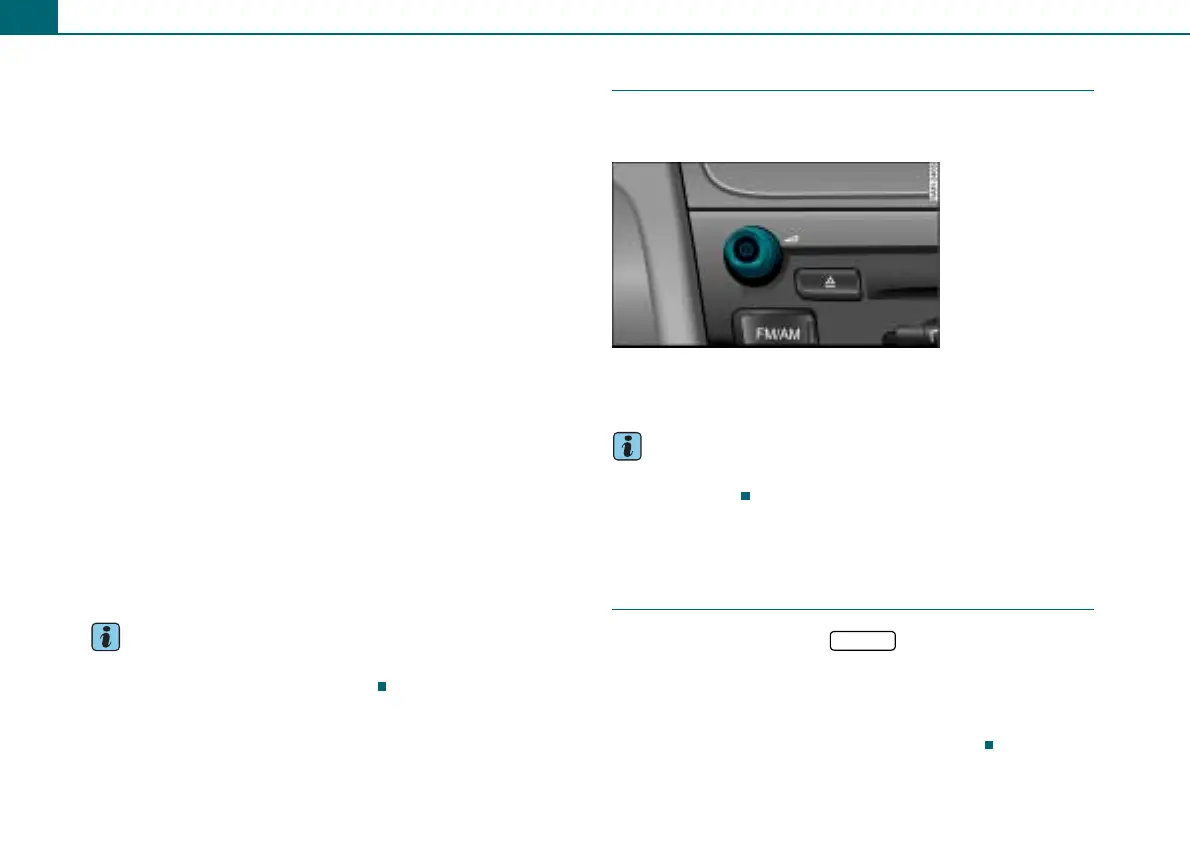
Restarting the radio
The functionality of the radio is restored through the
On/Off knob.
– Press and hold down the On/Off knob ⇒ page 12, fig. 10
until the radio restarts.
Tips
If problems arise during system reset, please consult your autho-
rized Audi dealer.
Additional settings
Menu language
– Select: Function button > control button
Settings > Menu language.
You can change the information in the display and in the driver
information system.
English, French, Spanish and German are available.
Fig. 16 On/Off knob
SETUP



 To Next Page