Playing media 33
Tips
• The storage capacity displayed is equal to the formatted storage
capacity on the SD card being used and may differ from the capacity
printed on the label.
• Please follow the instructions for handling memory cards
⇒ page 29.
Removing a memory card
– Gently push the memory card ⇒ fig. 38. The card is
released from the slot.
– Remove the memory card.
Note
As long as the message Loading appears in the display, the memory
card should not be removed from the drive.
Tips
Please follow the instructions for handling memory cards
⇒ page 29.
Selecting drive
The CDs in the CD changer and the memory card in the
card reader slot can be selected using the radio system.
Requirement: A CD is in the CD changer ⇒ page 29 or a
memory card is inserted in the slot of the card reader
⇒ page 32.
– Press the function button.
– Press the control button Drive.
– Rotate the control knob to SD or a CD ⇒ fig. 39.
– Press the control knob. The selected memory card or CD
is played.
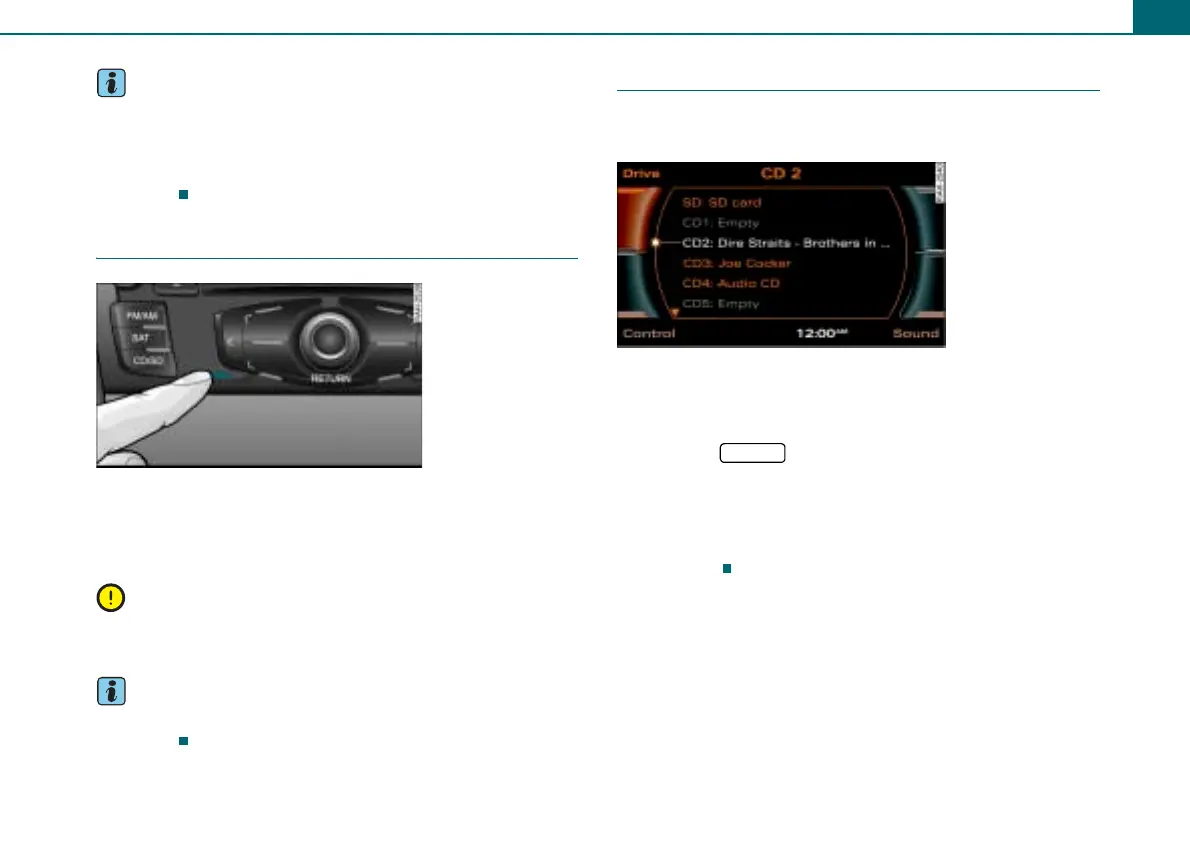
Fig. 38 Removing a
memory card
Fig. 39 List of avail-
able drives
CD/SD



 To Next Page