Multifunction steering wheel 51
– Roll the right thumbwheel downward to mute; a
crossed-out speaker symbol will appear in the status bar
of the display. If the drive is active, it will be stopped.
– Roll the right thumbwheel up to cancel mute. The drive
that was stopped will start playing again.
Listening to the radio
Applies to vehicles: with a multifunction steering wheel
Selecting the radio
Requirement: Radio mode is active ⇒ page 19.
– Press the ⇒ page 50, fig. 57 button until the
radio menu appears in the driver information system
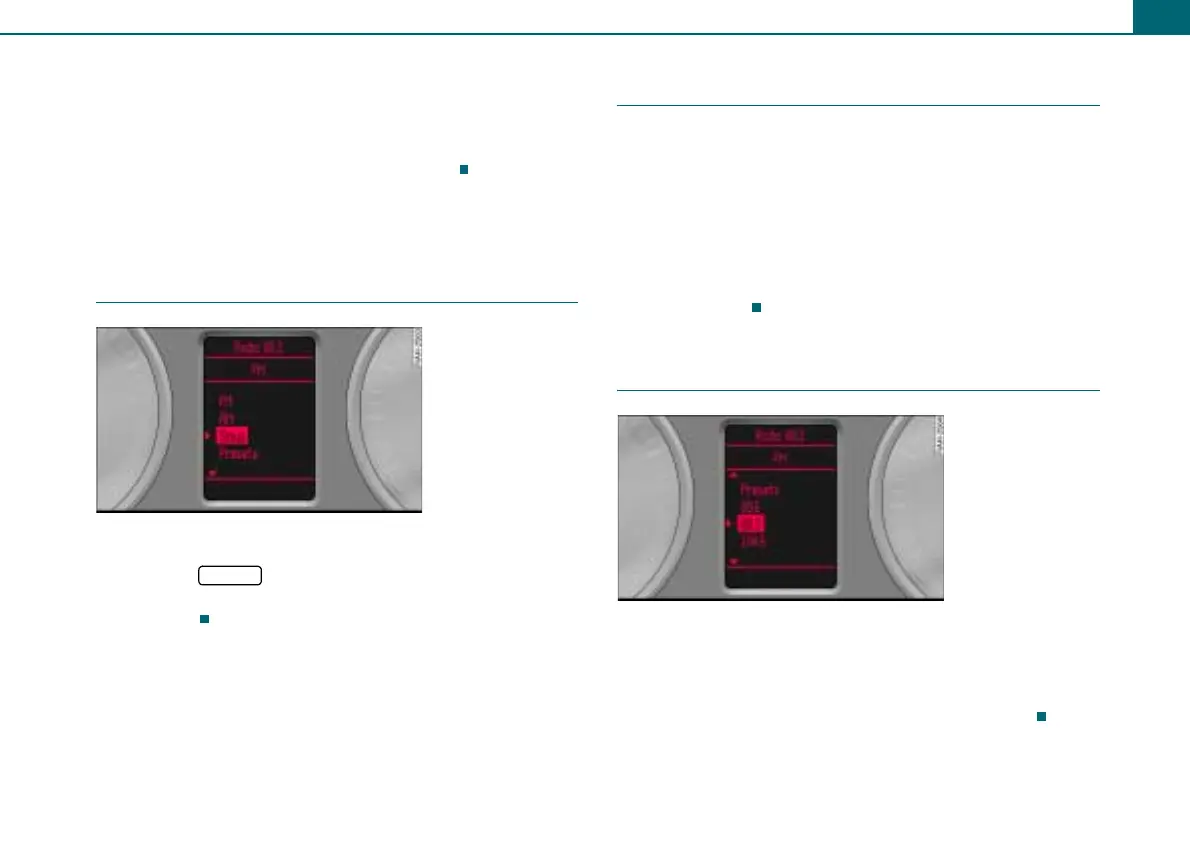
⇒ fig. 59.
Applies to vehicles: with a multifunction steering wheel
Selecting the frequency band
The three frequency bands: FM, AM, and Sirius* are
displayed in the upper part of the driver information
system.
Requirement: The radio menu is displayed ⇒ fig. 59.
– Roll the left thumbwheel ⇒ page 50, fig. 57 down to a
frequency band.
– To select the frequency band, press the left
thumbwheel.
Applies to vehicles: with a multifunction steering wheel
Selecting a station from station list
Requirement: The radio menu is displayed ⇒ fig. 59.
– Roll the left thumbwheel ⇒ page 50, fig. 57 down/up
to a radio station.
– To select the station, press the left thumbwheel.
4
Fig. 58 Frequency
band list
MODE
1
Fig. 59 Radio menu
1



 To Next Page