Playing media 35
Forward/reverse and previous/next
track
You can move forward or backward within a track and
jump from one track to the previous or next track on a CD
or a in a folder.
Requirement: A track is playing ⇒ page 34.
Forward/reverse
– Press the control button Control.
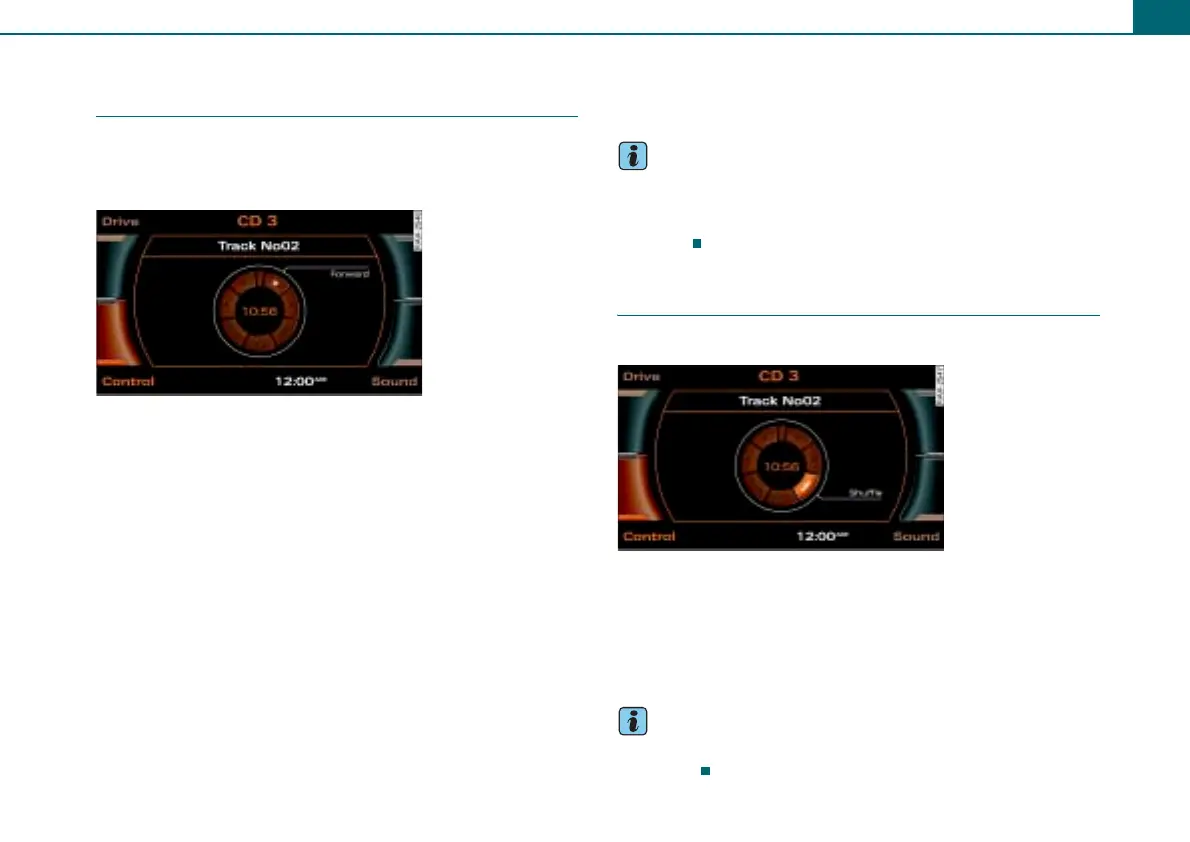
– Rotate the control knob to >> (Forward) ⇒ fig. 42 or <<
(Reverse) and keep the control knob pressed.
Previous/next track
– Press the control button Control.
– Rotate the control knob to >| (Next track) ⇒ fig. 42 or |<
(Previous track).
– To jump to the previous/next track, press the control
knob. The track will play.
To jump from one to the next track one after the other, press and
hold the control knob.
If you select “Previous” within 10 seconds after a track has started
to play, the previous track will start playing. If it is pressed after
playing for 10 seconds, it jumps to the start of the current track.
Tips
You can fast forward and reverse within a track by pressing and
holding the arrow buttons on the radio system ⇒ page 6. Pressing
the arrow buttons briefly will jump to the previous/next track
⇒ page 6.
Shuffle
You can play the tracks in random order.
Requirement: A track is played ⇒ page 34.
– Press the control button Control.
– Rotate the control knob to MIX (Shuffle) ⇒ fig. 43.
– To start shuffle play, press the control knob.
Tips
Shuffle depends on which repeat settings you have selected
⇒ page 36.
Fig. 42 Forward
Fig. 43 Shuffle



 To Next Page