Listening to the radio 23
Requirement: The desired frequency band is selected
⇒ page 20.
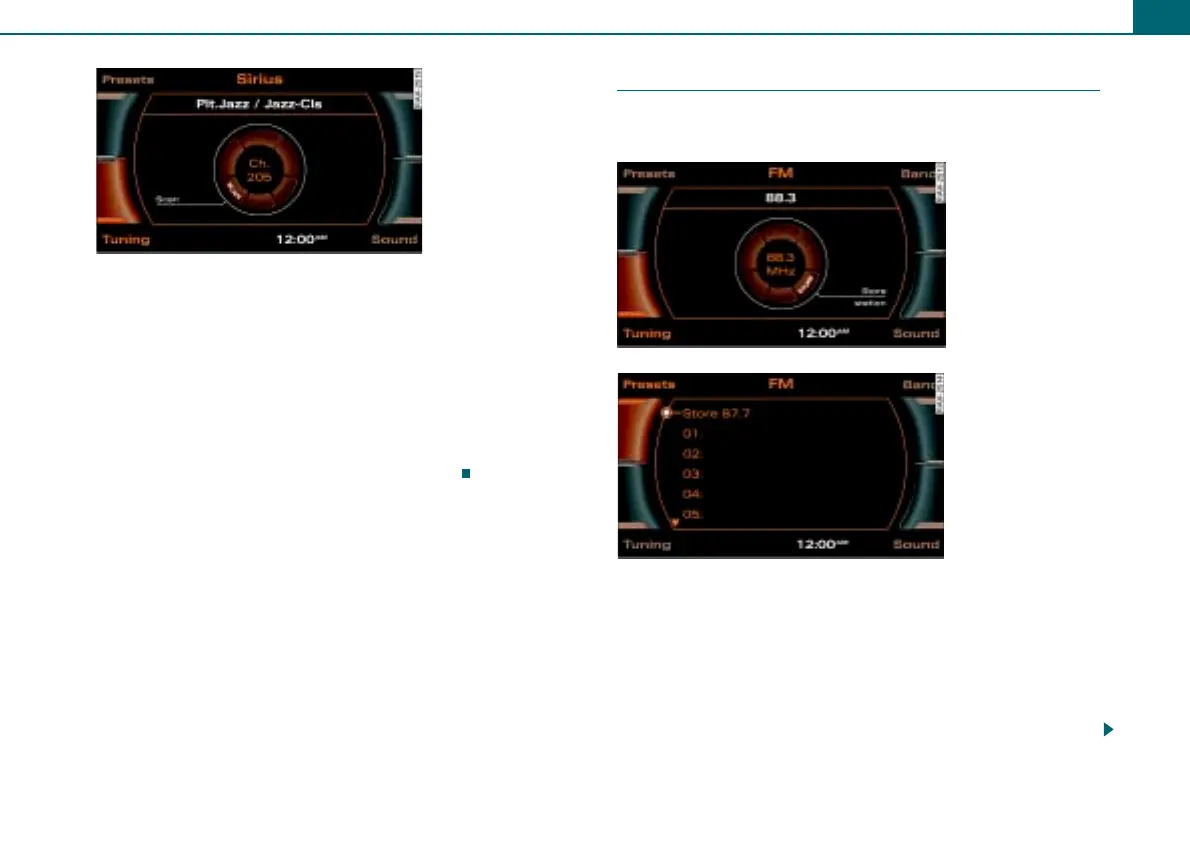
– Press the control button Tuning.
– Rotate the control knob to SCAN.
– To start the SCAN function, press the control knob. The
station list appears in the display.
– To stop the SCAN function, press the control knob again.
The currently scanned station is selected.
Storing stations
The preset list can contain up to 30 stations from all
frequency bands.
Requirement: A station is selected ⇒ page 21.
From the control knob
– Press and hold the control knob until the station is
displayed in an open position in the preset list.
– To change the position on the preset list, rotate the
control knob to the left or the right.
Fig. 28 Satellite radio:
SCAN function
Fig. 29 Storing
stations
Fig. 30 Storing
stations



 To Next Page