Listening to the radio 21
– To update the station list, rotate the control knob to
Update station list ⇒ page 19, fig. 19 and press the knob.
– Rotate the control knob to the desired radio station.
– To select the station, press the control knob.
Tips
Did you know that you can also perform this function using the
multifunction steering wheel* ⇒ page 51?
Applies to vehicles: with Satellite Digital Audio Radio Service
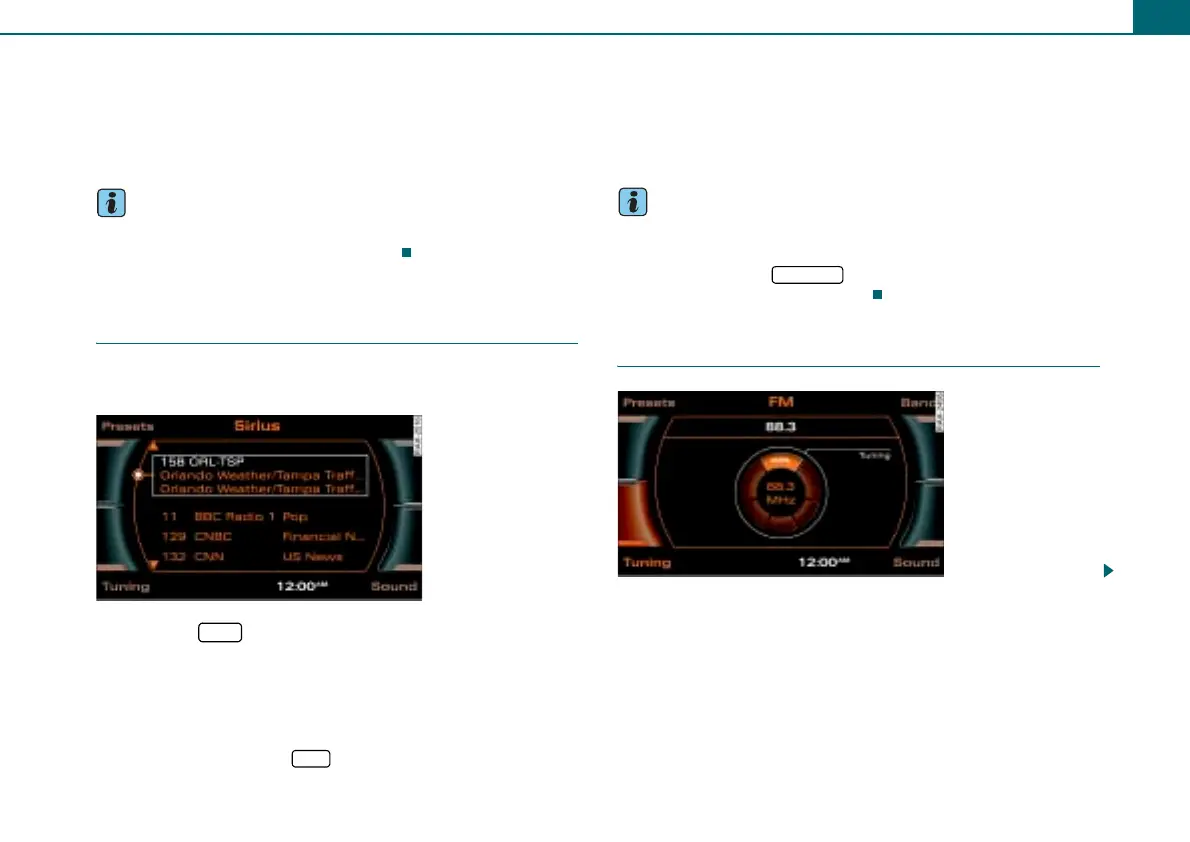
Satellite station list
The available stations are listed in the satellite main
menu.
– Press the function button.
– Select the desired radio station in the main Sirius radio
menu with the control knob.
If you are not in the main satellite radio menu (Radio Sirius) after
pressing the function button, you can change the frequency band
by repeatedly pressing the function button.
Operating the control button Presets displays the preset list. You
may store stations from the FM, AM and satellite radio (Sirius)
bands ⇒ page 23.
The explanations for the sound settings start with section
⇒ page 14.
Tips
• The stations that are displayed in the station list can be filtered
according to your personal desires as to type of program ⇒ page 27.
• If you operate the button in a sub menu, the satellite
radio main menu will be displayed.
Selecting a station
Fig. 24 Radio: Sirius
satellite radio station
list
SAT
SAT
RETURN
Fig. 25 Manual station
search (FM band)



 To Next Page