Listening to the radio20
Selecting frequency band
The radio has the three frequency bands: Frequency
Modulation (FM), Amplitude Modulation (AM), and satel-
lite radio (Sirius)*.
Requirement: The radio is on ⇒ page 19.
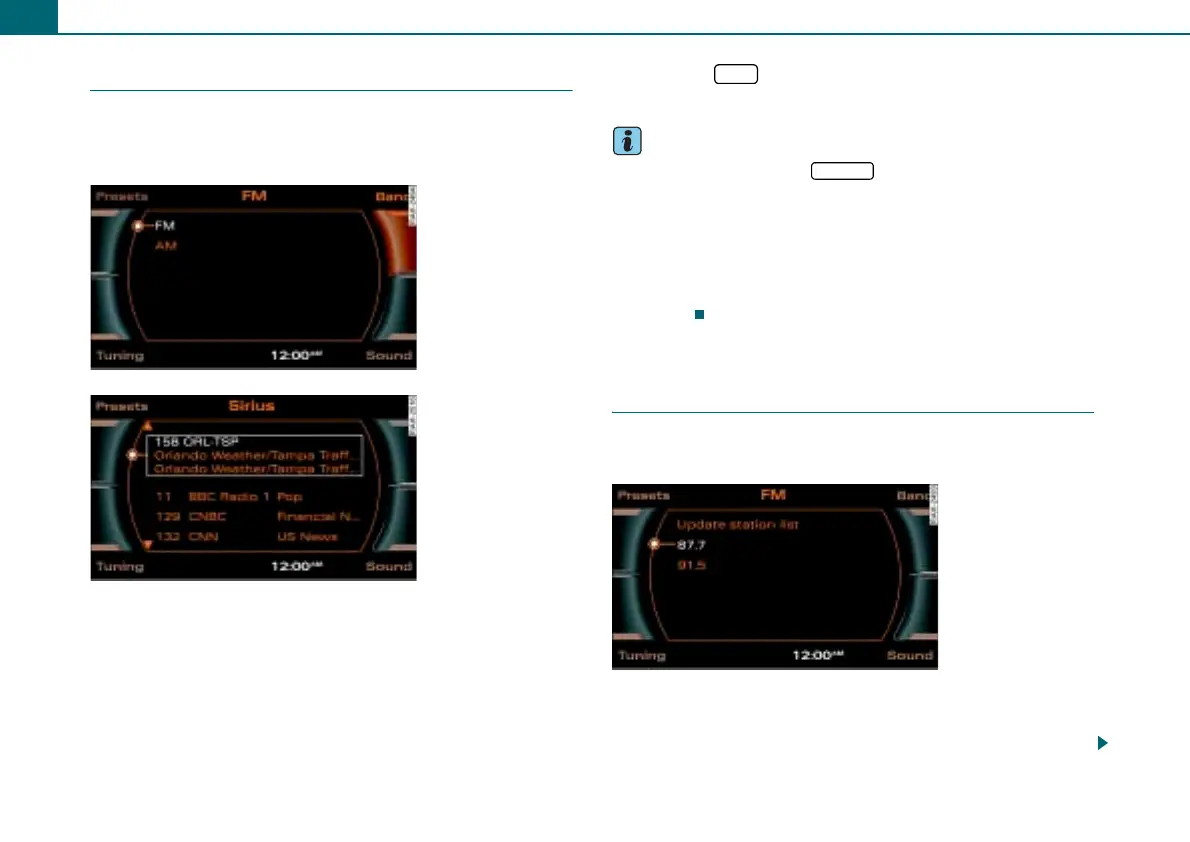
– In AM/FM mode, press the ⇒ fig. 21 control button Band.
– Rotate the control knob to the desired frequency band.
– To select the frequency band, press the control knob. The
current frequency band is shown in the title line in the
display, or
– Press the * function button to activate satellite
radio* ⇒ fig. 22.
Tips
• Each time you press the function button, you change
the AM/FM frequency band.
• To use the satellite program, you must have an additional tuner
in the vehicle and a contract with a service provider (Sirius*). Acti-
vating the satellite radio service is described starting ⇒ page 19.
• You can select the frequency band and the radio stations in the
instrument cluster display using the multifunction steering wheel*
⇒ page 51.
Selecting a station from the station
list
The receivable stations for the selected frequency band
are displayed in the station lists.
Requirement: The desired frequency band is selected
⇒ page 20 and receivable radio stations are shown in the
display ⇒ page 19.
Fig. 21 AM/FM
frequency bands
Fig. 22 Sirius
frequency band
SAT
FM/AM
Fig. 23 FM station list



 To Next Page