Multifunction steering wheel52
Applies to vehicles: with a multifunction steering wheel
Selecting a stored station
Requirement: The radio menu is displayed ⇒ page 51,
fig. 59 and a station is stored in the preset list ⇒ page 23.
– Roll the left thumbwheel ⇒ page 50, fig. 57 down/up
to Presets.
– Press the left thumbwheel. The radio preset list is
displayed.
– Roll the left thumbwheel to a radio station and press the
left thumbwheel. The radio station is selected.
Playing media
Applies to vehicles: with a multifunction steering wheel
Selecting a drive
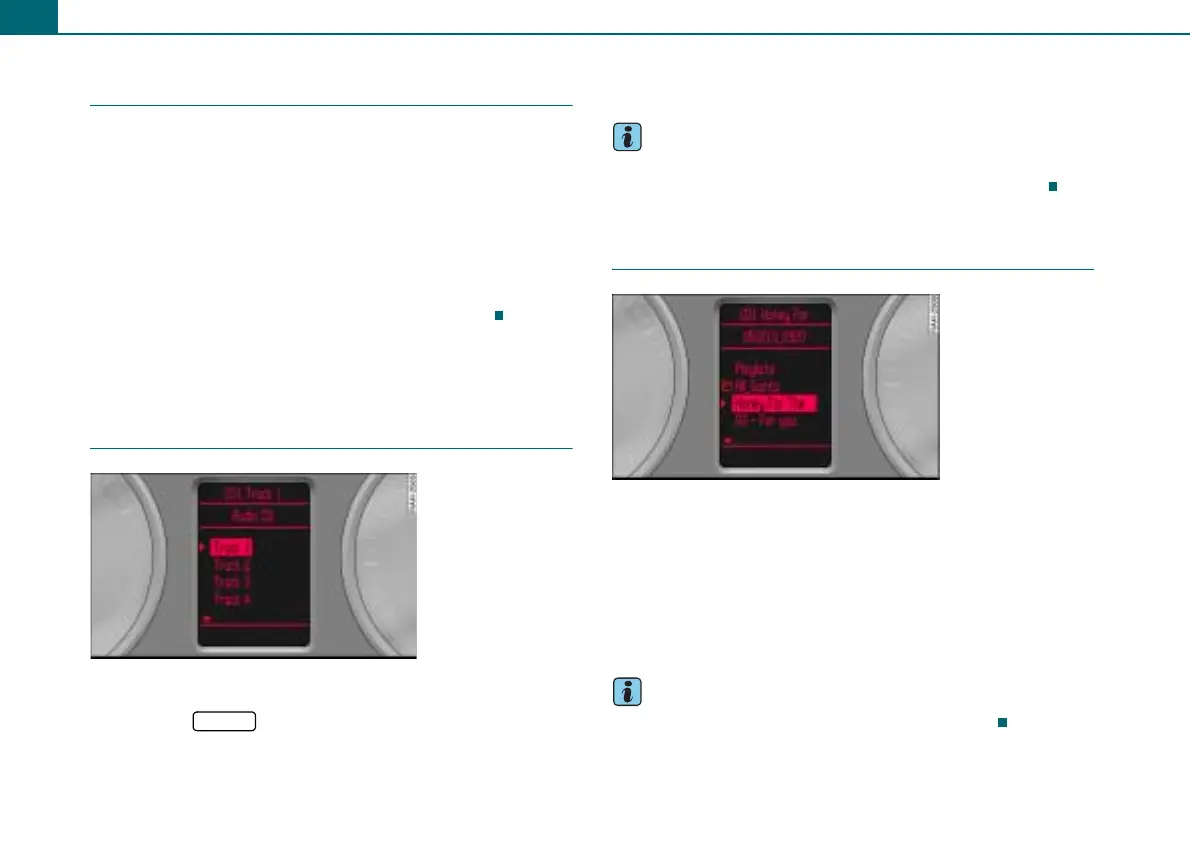
Requirement: CD mode or SD mode is active ⇒ page 33.
– Press the ⇒ page 50, fig. 57 button until a list
with tracks ⇒ fig. 60/⇒ fig. 61 appears in the driver infor-
mation system.
Would you like to learn more about operating the CD/SD in your
vehicle? You will find a detailed description in ⇒ page 28.
Tips
Characters and symbols that are not part of the ISO-8859-1 or UTF8
standard are not displayed in the driver information system.
Applies to vehicles: with a multifunction steering wheel
Selecting a folder
Requirement: The folders of an MP3/WMA CD or a memory
card are shown in the driver information system ⇒ fig. 61.
– Roll the left thumbwheel ⇒ page 50, fig. 57 to a folder
and press the left thumbwheel.
– Roll the left thumbwheel to the desired track.
– To select the track, press the left thumbwheel.
Tips
A drive is selected using the radio system ⇒ page 33.
1
Fig. 60 List with CD
tracks
MODE
Fig. 61 List of tracks of
a folder



 To Next Page