Playing media36
Applies to the model:
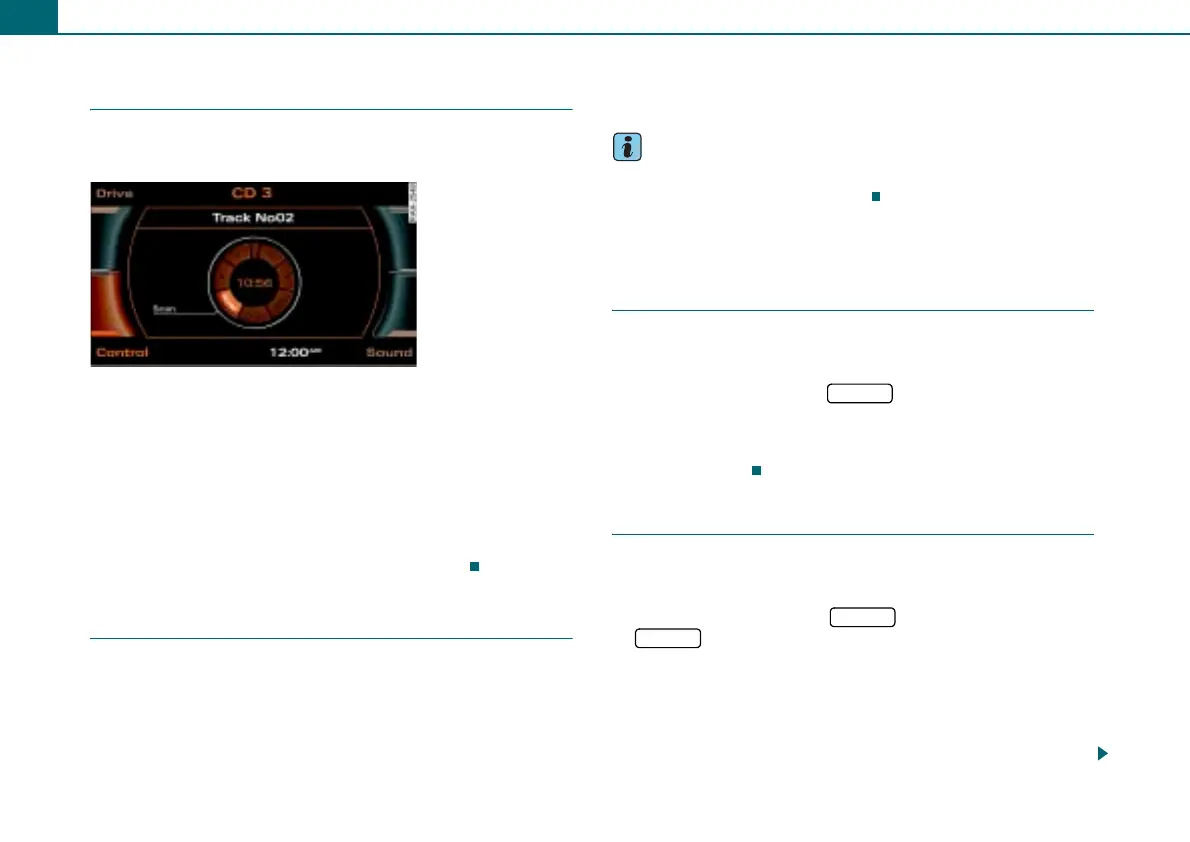
Scanning a track (SCAN)
The SCAN function plays each track on the CD or memory
card for a few seconds.
Requirement: A track is played ⇒ page 34.
– Press the control button Control.
– Rotate the control knob to SCAN ⇒ fig. 44.
– To start the SCAN function, press the control knob. The
track list appears in the display.
– To stop the SCAN function, press the control knob again.
The track currently playing will be selected.
Stopping/resuming a drive
Requirement: A track is played.
Stopping a drive
– Press the On/Off knob briefly.
Resuming a drive
– Press the On/Off knob briefly.
Tips
You can also operate this function without removing your hands
from the steering wheel ⇒ page 53.
Additional settings
Track information (INFO)
Requirement: An MP3/WMA CD or memory card ⇒ page 32
is being played.
– Select: Function button > control button Control
> INFO (Info).
Information stored in the ID3/WMA tag for the current track (e.g.
artist) is displayed.
Repeat
Requirement: An audio CD or MP3/WMA CD inserted into
the CD changer is playing ⇒ page 29.
– Select: Function button > function button
> Repeat.
Repeat off
The Repeat function is switched off. When shuffle is turned on, the
tracks of the current CD are played in random order first, and then
the tracks of the CDs in the CD changer or an inserted memory card
will be played.
Fig. 44 Scanning a
track
CD/SD
CD/SD
SETUP



 To Next Page