Listening to the radio24
– To store the station to the selected position on the preset
list, press the control knob.
From the control button Tuning
– Press the control button Tuning.
– Rotate the control knob to STORE (Store station)
⇒ page 23, fig. 29.
– Press the control knob. The selected station is stored in
an open position on the preset list.
– To change the position on the preset list, rotate the
control knob to the left or the right.
– To store the station to the selected position on the preset
list, press the control knob.
From the control button Presets
– Press the control button Presets.
– Rotate the control knob to Store Station name ⇒ page 23,
fig. 30.
– Press the control knob. The selected station is stored in
an open position on the preset list.
– To change the position on the preset list, rotate the
control knob to the left or the right.
– To store the station to the selected position on the preset
list, press the control knob.
Tips
You can delete an individual station or all stations from the preset
list ⇒ page 25.
Selecting a stored station
Requirement: A station is stored on the preset list
⇒ page 23.
– Press the control button Presets. The preset list is
displayed.
– To select a station from the preset list, rotate the control
knob to the station.
– Press the control knob. The station is selected.
Tips
Also try selecting a stored station using the multifunction steering
wheel* ⇒ page 52.
Applies to vehicles: with Satellite Digital Audio Radio Service
Entering a channel number
The desired station can also be selected by entering the
channel number.
– Press the control button Tuning in the satellite radio
menu.
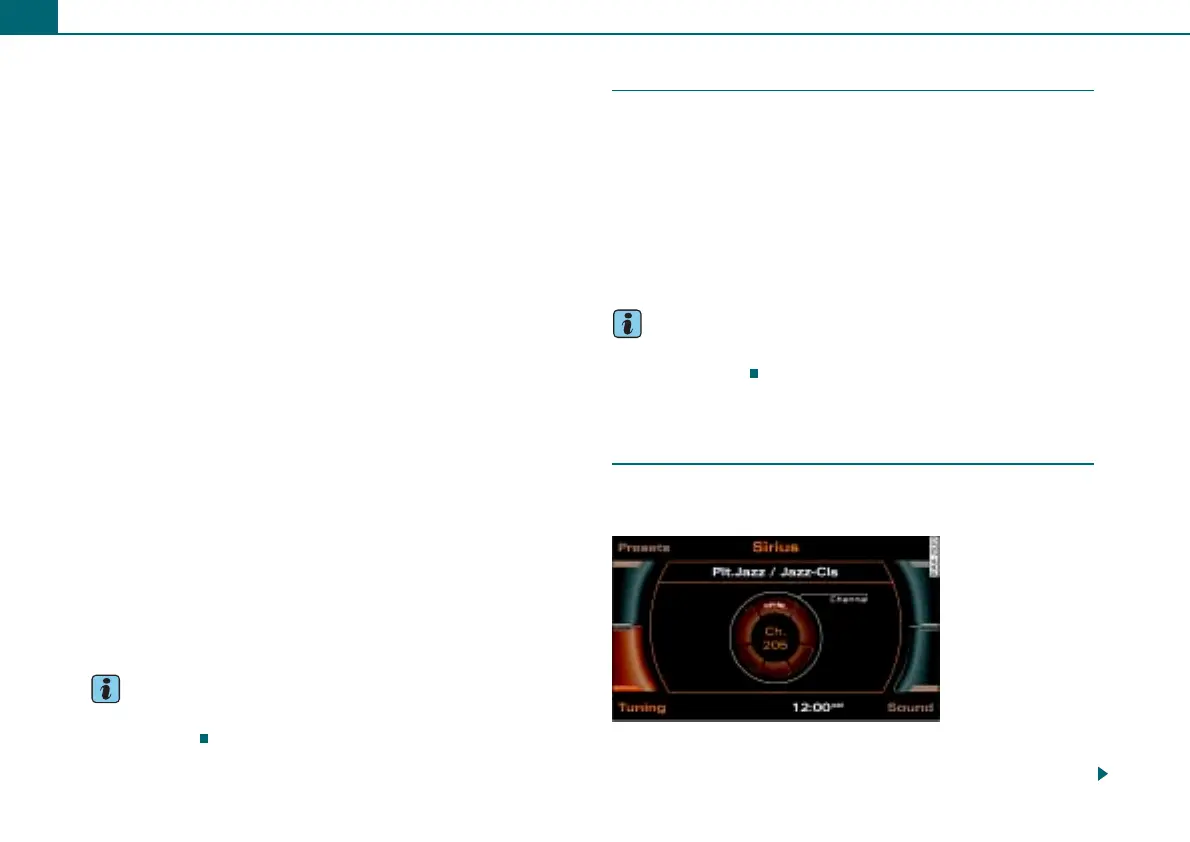
Fig. 31 Satellite radio:
Channel number



 To Next Page