Playing media34
Selecting a folder
The folders of an MP3/WMA CD or a memory card are
shown in the display.
Requirement: An MP3/WMA CD ⇒ page 30 or memory card
⇒ page 32 is being played.
– Press the function button. The folder structure
of an MP3/WMA CD or a memory card is displayed
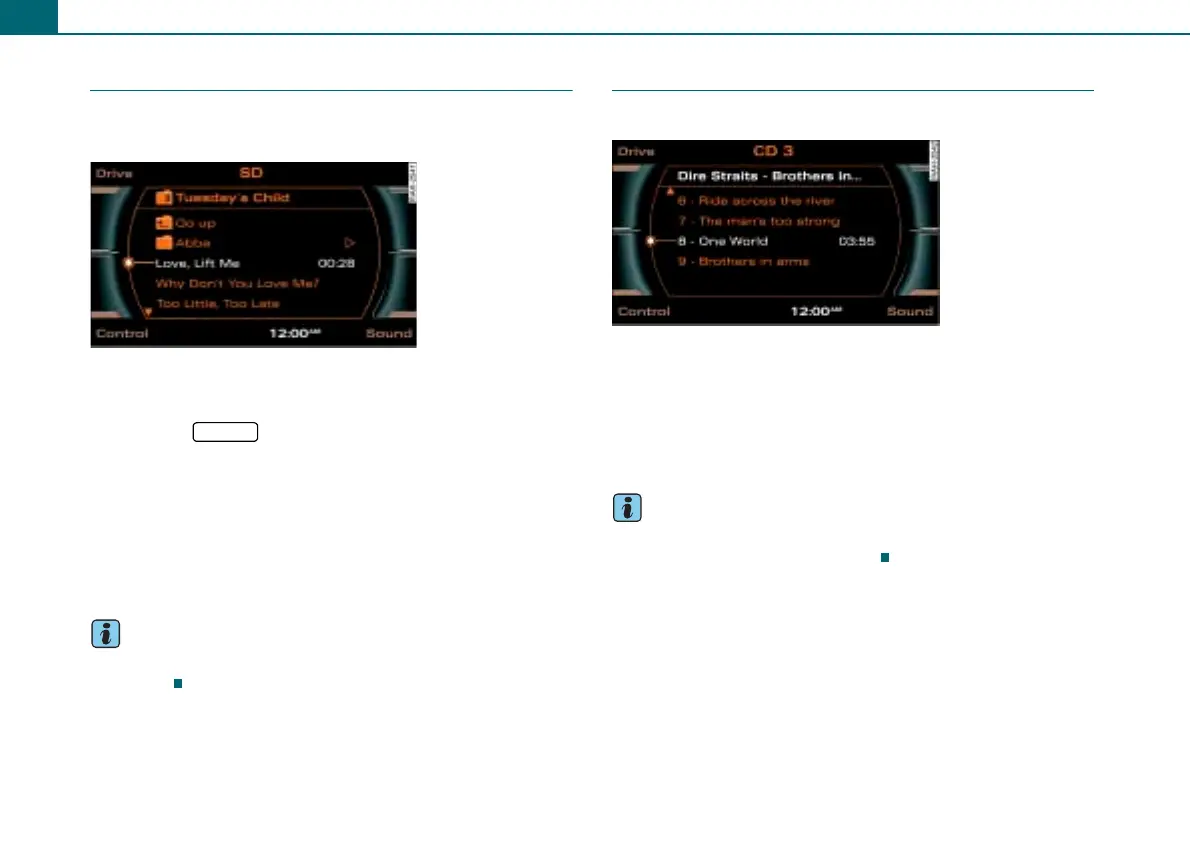
⇒ fig. 40.
– Rotate the control knob to a folder and press the knob.
– Rotate the control knob to a track ⇒ fig. 40.
– To select the track, press the control knob. The selected
track will play.
Tips
Please follow the instructions for handling memory cards
⇒ page 29.
Selecting a track
The track with the play time is shown in the display.
Requirement: A CD ⇒ page 33 or a folder ⇒ page 34 was
selected.
– Rotate the control knob to a track ⇒ fig. 41.
– To select the track, press the control knob. The track will
play.
Tips
Did you know that you can also operate this function with the multi-
function steering wheel* ⇒ page 52?
Fig. 40 List of tracks of
a folder
CD/SD
Fig. 41 List with CD
tracks



 To Next Page