Listening to the radio22
Requirement: A frequency band is selected ⇒ page 20.
Next receivable station
– Press the control button Tuning.
– Rotate the control knob to >| (Seek up) or |< (Seek down).
– Press the control knob. The next receivable station is
selected.
Frequency on the FM or AM band
– Press the control button Tuning.
– Rotate the control knob to MAN. (Tuning) ⇒ page 21,
fig. 25 and press the control knob.
– To select the station, rotate the control knob to the left or
right.
– To save the selected station, press the control knob.
Frequency with satellite radio
– Press the control button Tuning in the satellite radio
menu.
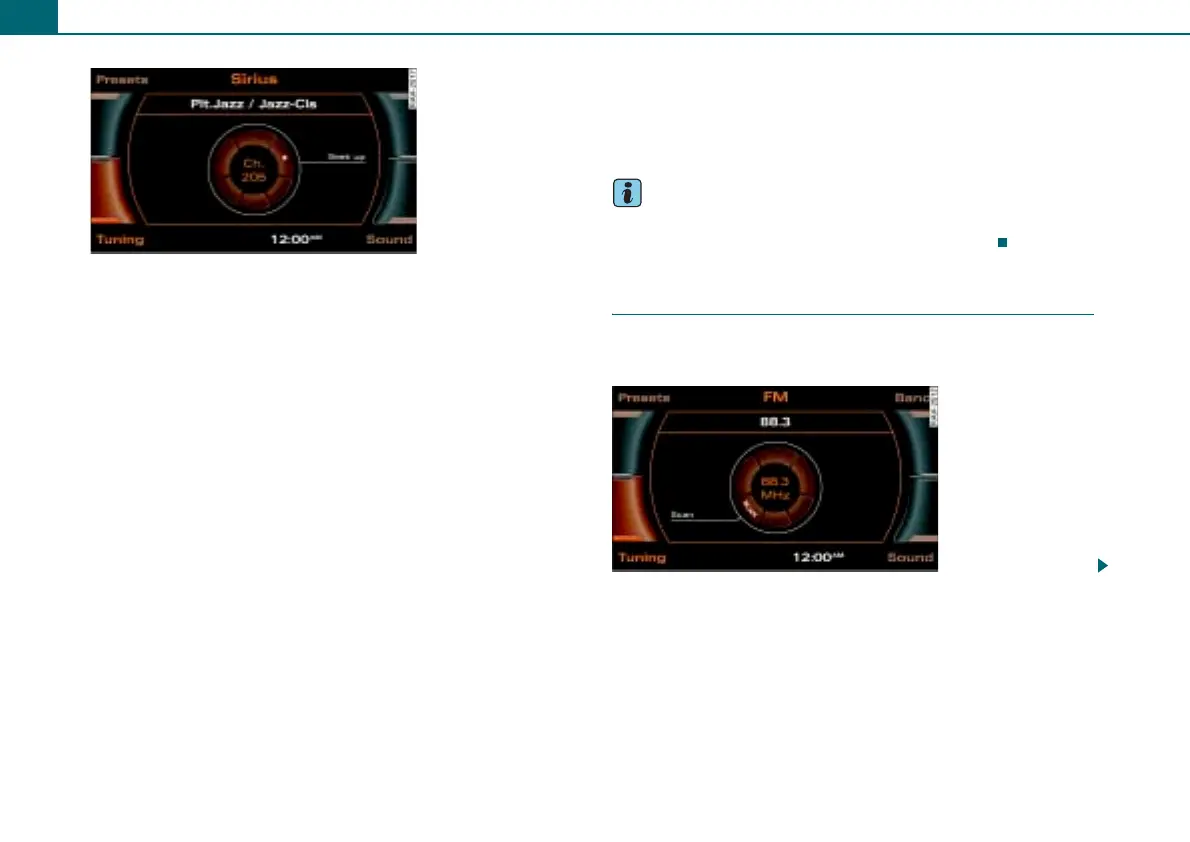
– Select >| (Seek up) ⇒ fig. 26 or |< (Seek down) in the
Display by rotating the control knob.
– Press the control knob.
Briefly pressing the control knob selects the next available station.
If you hold the control knob down, the available stations will
advance or back up more quickly.
Tips
Non selectable channels are automatically passed over when
searching channels and are not shown in the display.
Scanning stations
Using the SCAN function, the receivable stations are
played for a few seconds.
Fig. 26 Satellite radio:
Seek up
Fig. 27 FM radio SCAN
function



 To Next Page