General operation 13
Adjusting the volume
– Rotate the On/Off knob to the left or the right. The volume
will be adjusted.
Muting (Mute)
– Press the On/Off knob briefly. A cancelled loudspeaker
symbol appears in the display.
Canceling mute
– Press the On/Off knob briefly.
Volumes that are too high or too low are automatically set to a
predetermined level when the radio is switched on.
If you have activated the mute function by pressing the On/Off knob
briefly, the mute function will still be active after you turn the radio
on again. While adjusting an additional audio source (volume
setting, entertainment suppression) ⇒ page 13, you cannot activate
the mute function.
In CD/SD mode, playback is stopped for as long as the source is
muted.
Tips
You can also adjust the volume using the right thumb wheel on the
multifunction steering wheel* without taking your hands from the
wheel ⇒ page 50.
Additional audio sources
You can adjust the volume for entertainment suppression
individually.
– In an audio or setup menu, press the control button
Sound.
– Rotate the control knob to Volume settings.
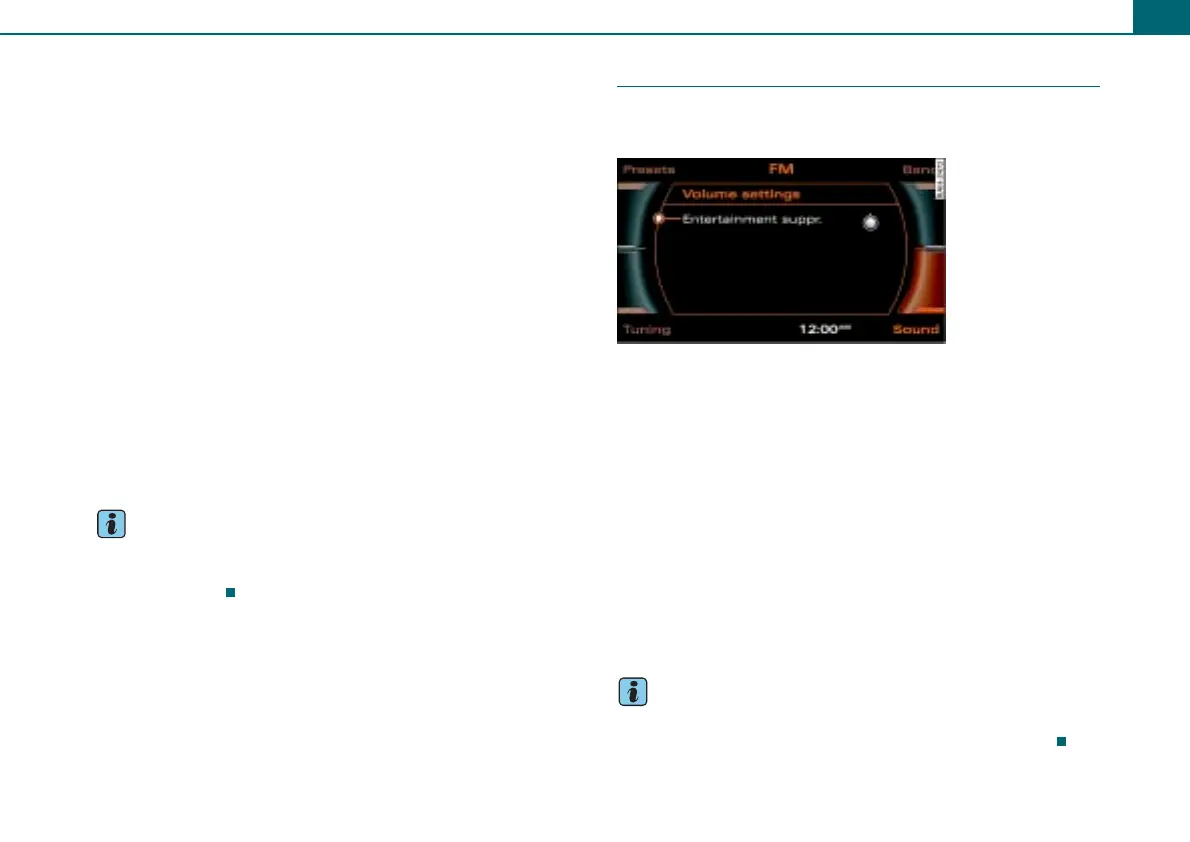
– Press the control knob. The Volume settings ⇒ fig. 11
menu appears in the display.
– Rotate the control knob to the menu item Entertainment
suppr..
– Press the control knob. Now you can adjust the volume
for the selected menu item.
– Rotate the control knob to the desired volume.
– To save your setting, press the control knob.
Tips
Using Entertainment suppr.*, you can adjust the volume for the
active audio source while the Audi parking system* is active.
Fig. 11 Volume
settings



 To Next Page