10
Performing the Calibration
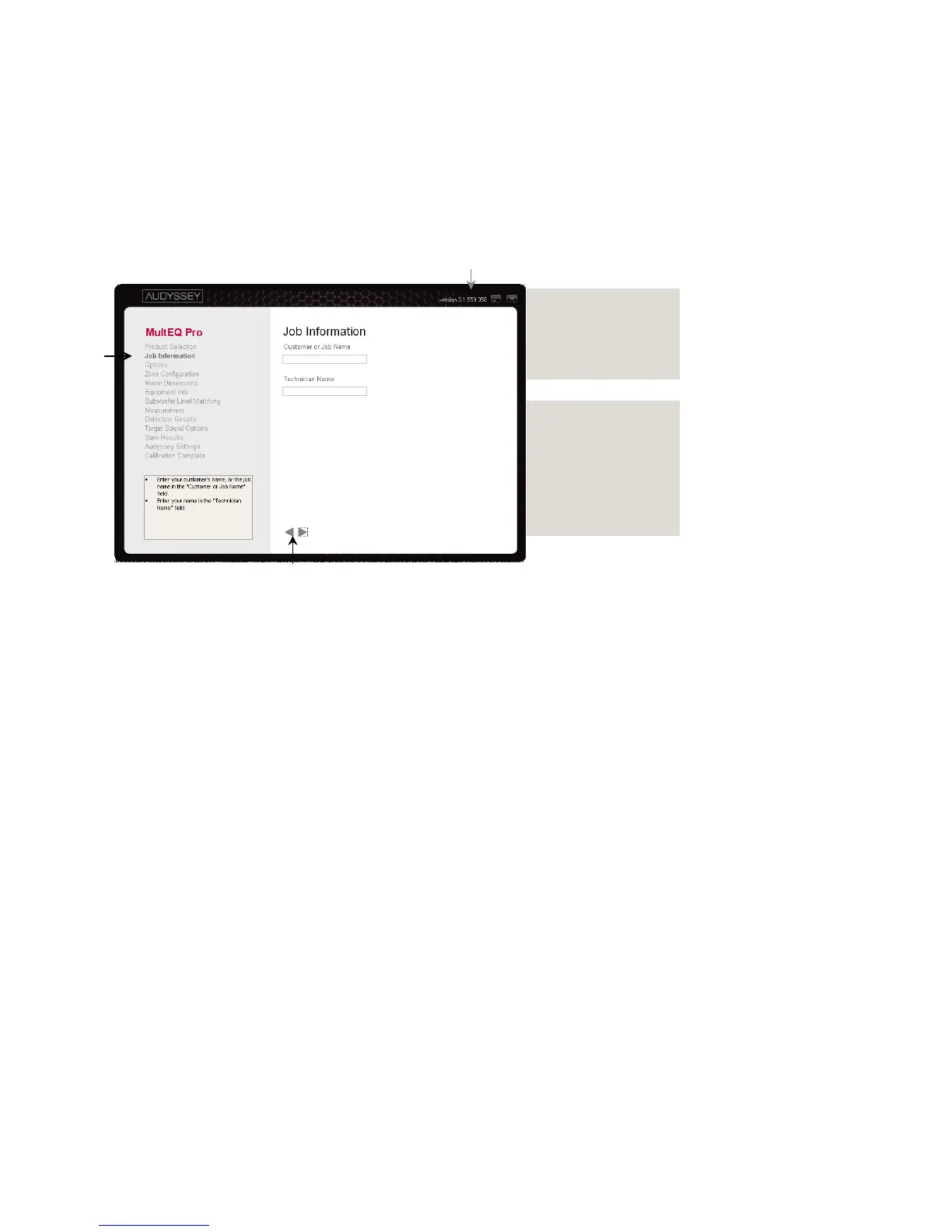
Overview and Screen Sequence
The MultEQ Pro application consists of a series of screens leading the user through the
calibration process.
A The MultEQ Pro version number is listed at the top right of the screen.
B The sequence of screens is listed in the left column of the application to help track
progress. This sequence may be different depending on the product selected in the
“Product Selection” screen.
The current screen is highlighted in bold within the list.
C Move forward and backward through the screens by clicking the “◄” (back) and “►”
(forward) buttons on each screen.
D The Product Selection, Job Information, Options and Zone Configuration screens are
used only once during a session.
E The remaining screens are encountered once for each zone that is calibrated.
Job Information
Options
Zone Configuration
Equipment Info
Measurement
Detection Results
Target Sound Options
Save Results



 To Next Page