15
Options
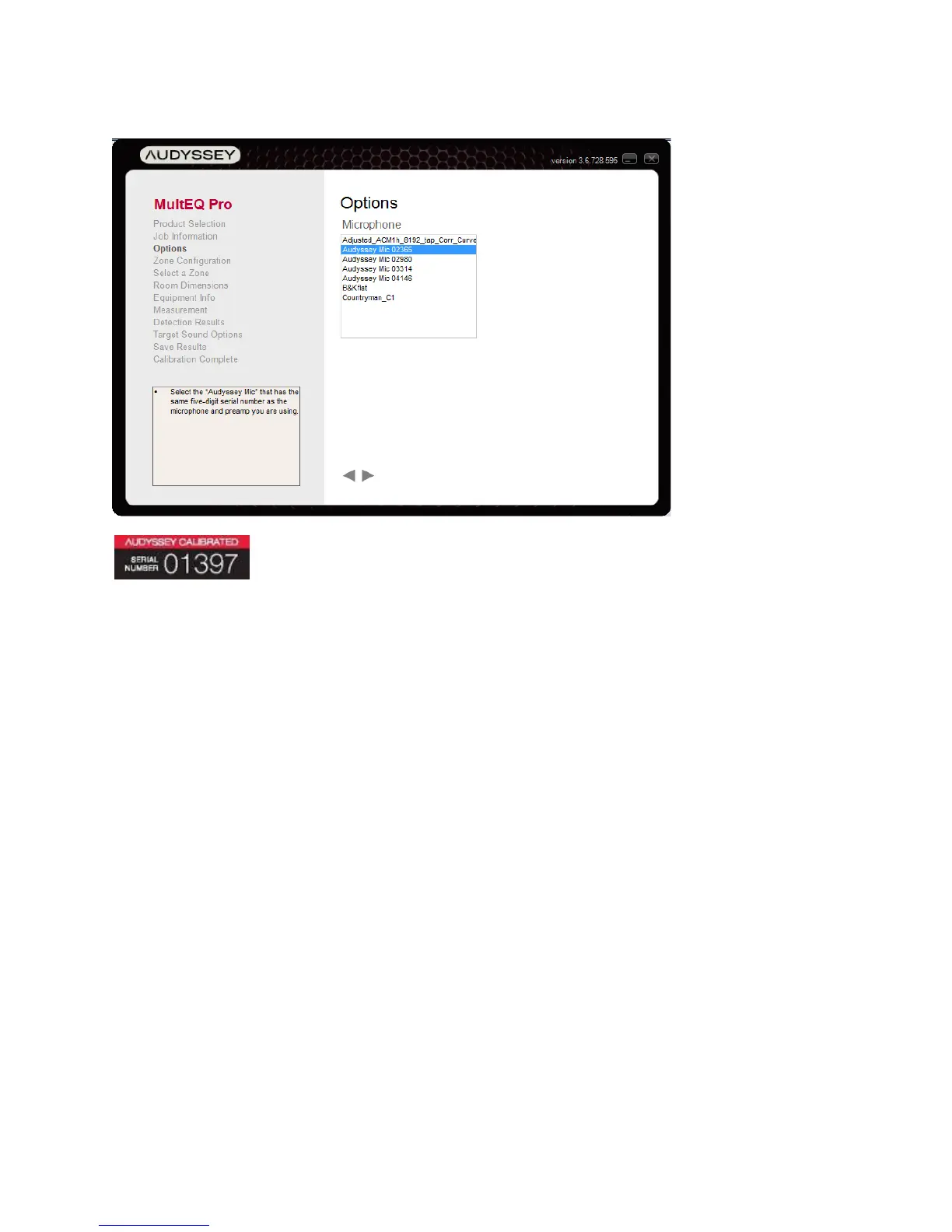
Figure 11 - Microphone and Preamp Serial Number
From the “Microphone” list, select the serial number that matches the microphone to be
used for the calibration (Figure 11). See Adding a Microphone File to MultEQ Pro (Page 5)
for instructions on installing additional microphone calibration files. In MultEQ Pro 4 click
the ‘Add…’ button to add a microphone.



 To Next Page