47
Make sure this is set to “Not Used.” While highlighting “Not Used,” press the Enter button to confirm “Not
Used.” Press the “MENU” button to exit.
Connect again with MultEQ Pro.
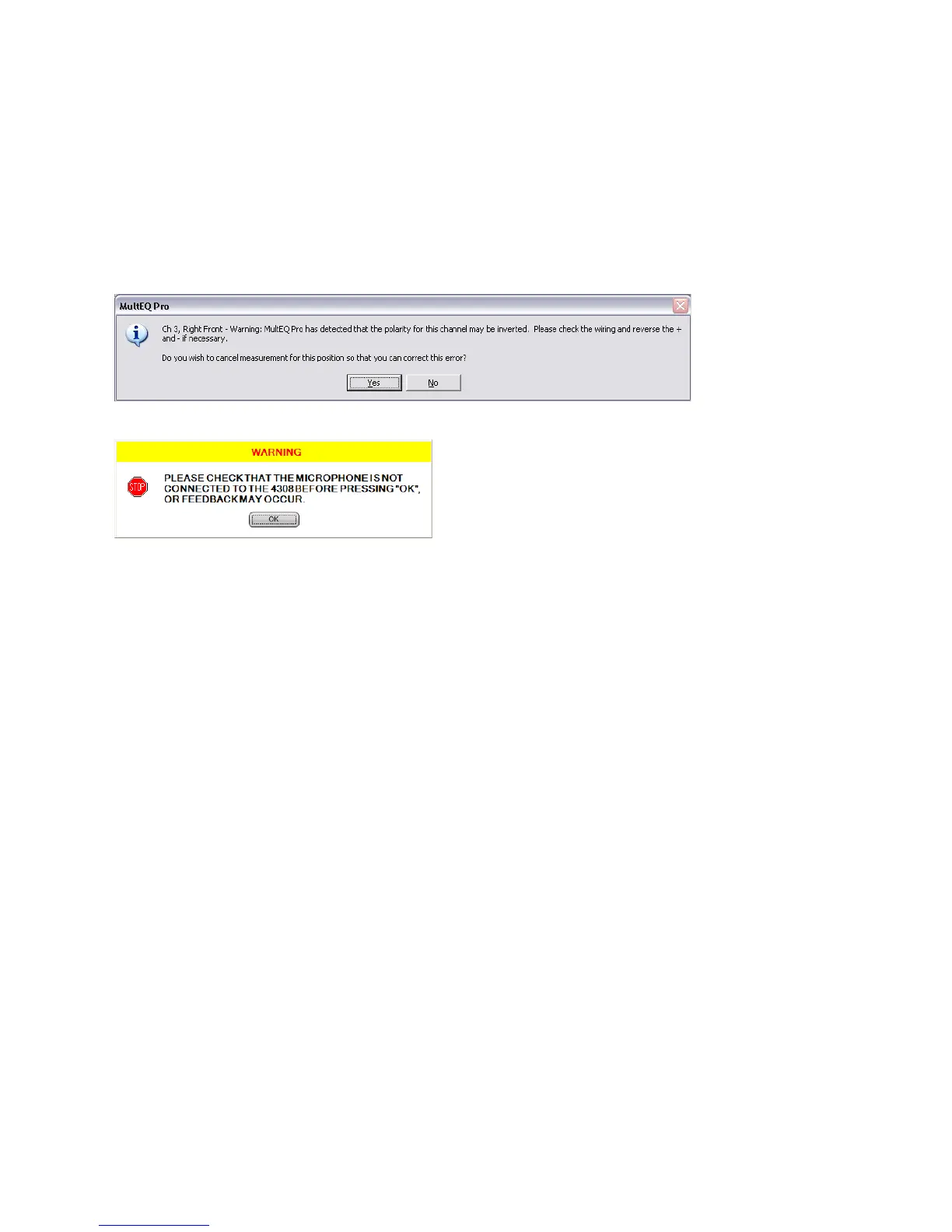
Polarity Errors
In the case of polarity errors it is acceptable to continue with the MultEQ Pro application by clicking “No.”
However, it is highly recommended that the validity of each warning be checked before continuing.
Clicking “No,” finishing the calibration and later correcting for the problems listed in the window is not
recommended.
Disconnect Microphone
An error message appears when exiting the MultEQ Pro application while the product is in calibration
mode. Please make sure the microphone is disconnected, as not doing so could cause feedback at levels
that will damage the speakers.



 To Next Page