35
Audyssey Settings
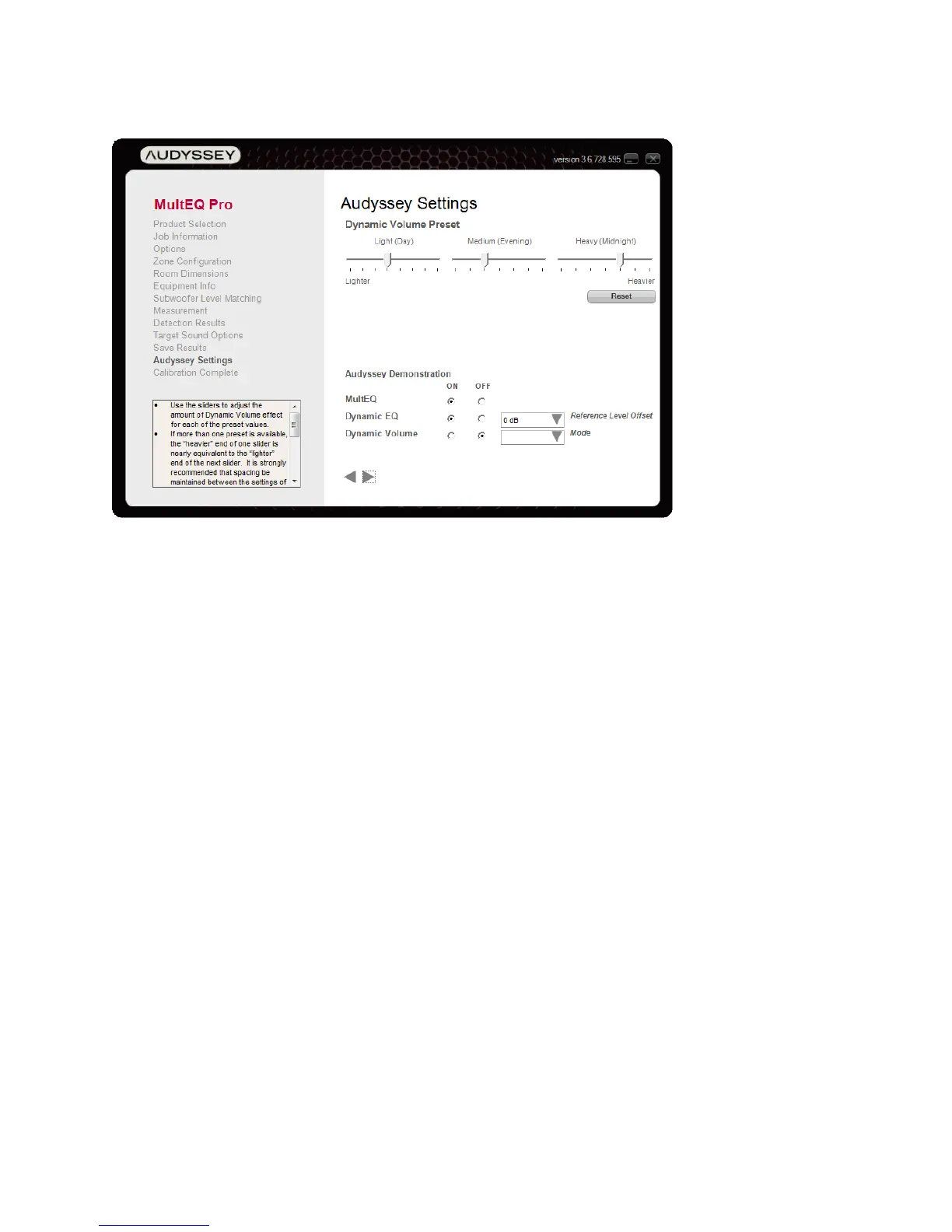
Figure 16 - Audyssey Settings
The “Audyssey Settings” screen is displayed if the product supports configuration of Dynamic
Volume presets or of Audyssey DSX.
• Dynamic Volume Preset - Use the sliders to adjust the range of Dynamic Volume
compensation for each of the preset values. The heavier end of one slider is nearly
equivalent to the lighter end of the next slider. When moved close together, adjacent sliders
push each other to ensure a noticeable difference between presets.
In most cases, all three sliders should be adjusted together. For example, in a highly
reverberant room, all sliders should be adjusted toward the heavier end of their range, while
in a very dry room all sliders should be adjusted toward the lighter end of their range.
Press the “Reset” button to undo changes and restore default settings.
• Audyssey Demonstration – These features enable demonstration of Audyssey
technologies and are the same as those on the “Save Results” screen.



 To Next Page